
Clean Text 为每天和文本打交道的人而做:写作的人、校对的人、开发的人、学习的人、制作内容的人。它帮助您清理格式、统一内容,并在文稿、邮件、笔记或网页上迅速而可靠地重组文本。

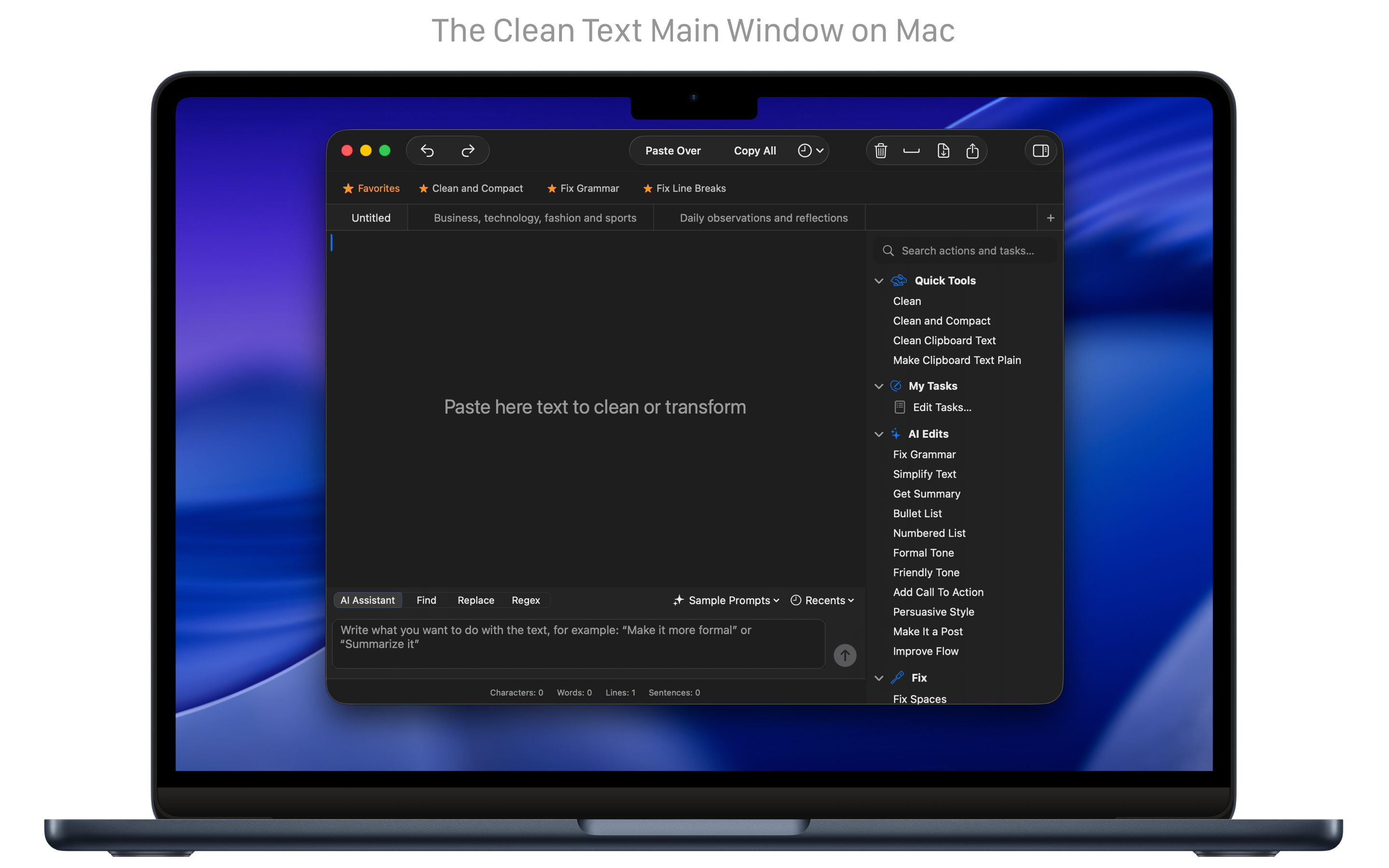
快速清理
一步清理、修正并统一文本。
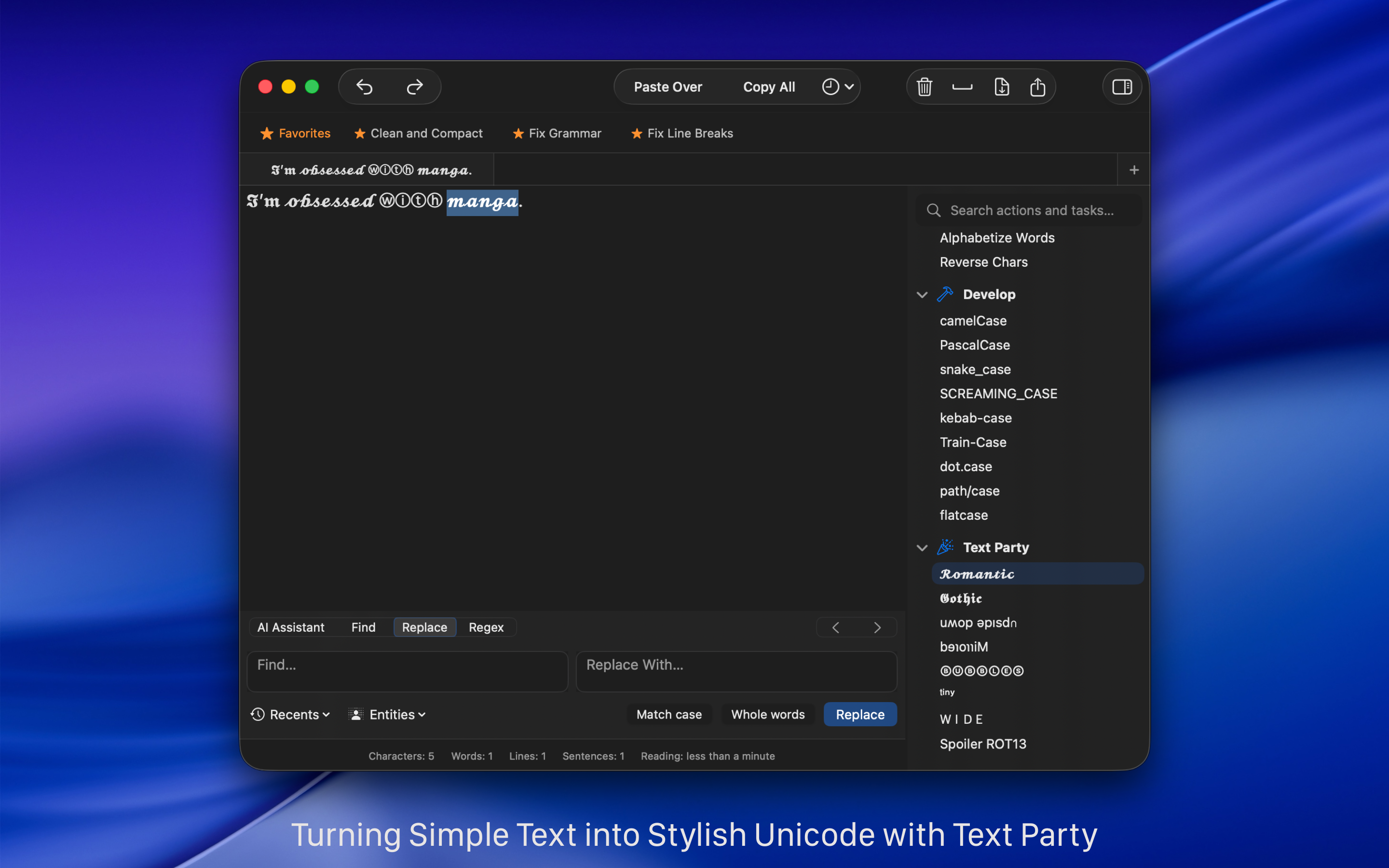
“清理”会在几秒钟内完成最常见的操作:去掉空行、多余空格、重复字符、断开的换行或不一致的引号。您也可以把多个动作收成自定义任务,于是重复的工作变成一个操作,想什么时候再运行都可以。
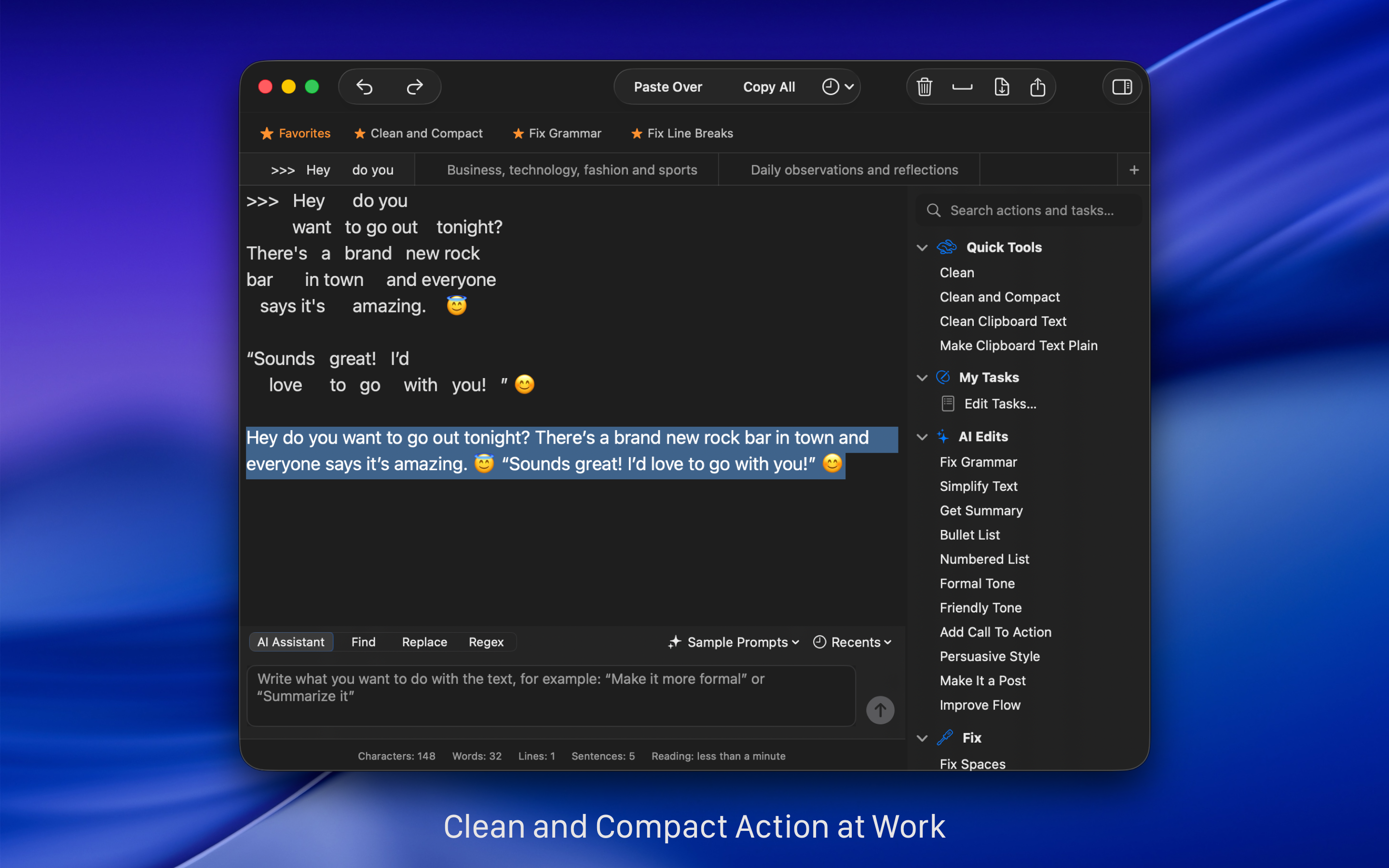
由人工智能协助的修改
用精确的人工智能工具加快修改。
Clean Text 在经典的清理和格式功能之外,包含设备上的人工智能工具。您可以用它们修正语法和标点、简化复杂的句子、生成简短摘要,或马上把段落变成项目符号或编号列表。目的是打磨文本,同时把内容留在 Mac 上、保持私密。这些工具着眼于精度和效率,用更少的力气得到更好的结果。
自然语言处理
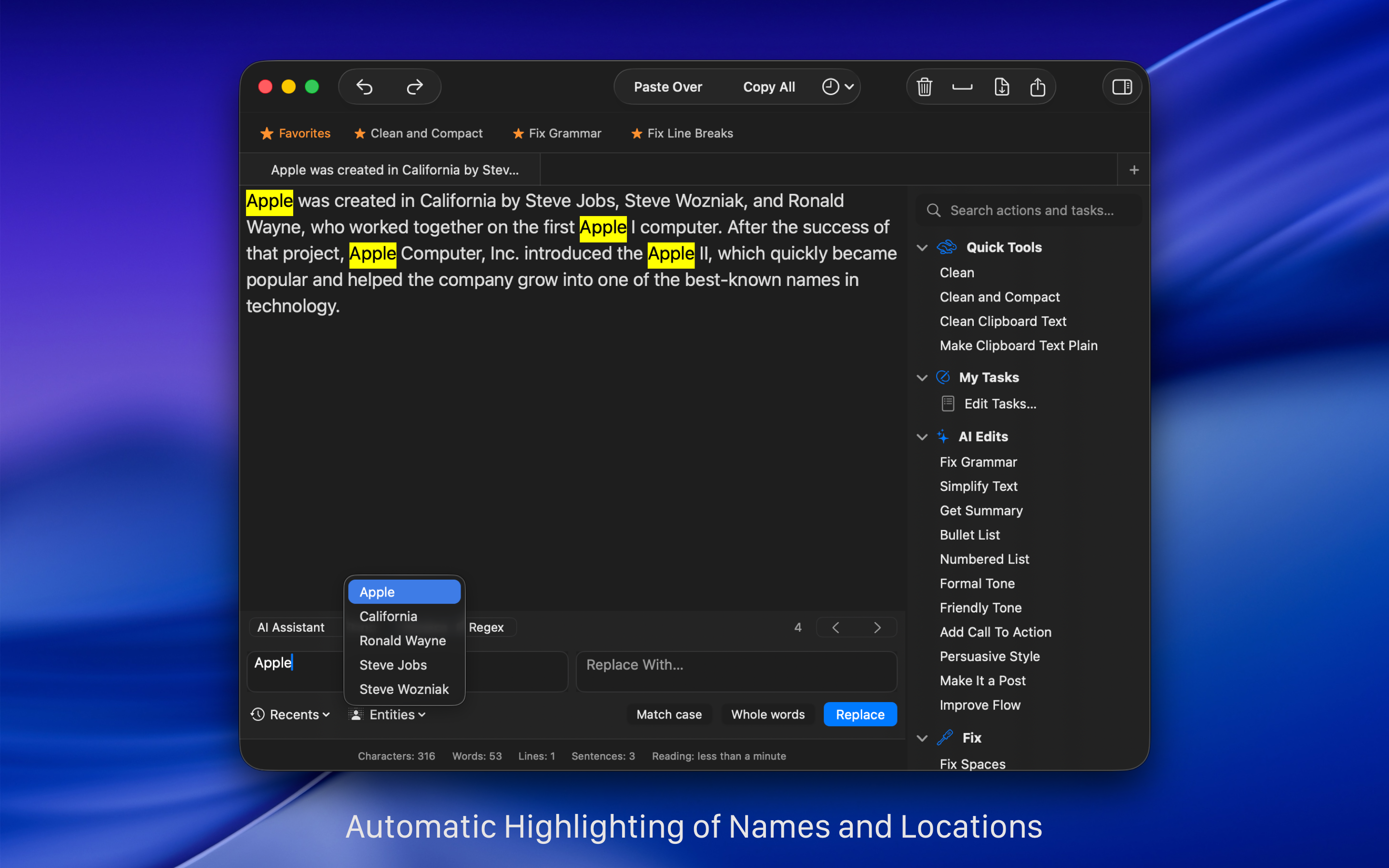
立刻认出文本里提到的姓名、地点和组织。
Clean Text 使用 Apple 的机器学习框架 Core ML,深入理解文本。实体功能用机器学习和自然语言处理(NLP),立刻找出并选中人名、地名和组织名。
在 Mac 上写
……并通过 iCloud 把文本送到 iOS 设备。
用 Clean Text,您在 Mac 上写的文本可以在任何 iOS 设备上找到。多亏 iCloud,您会在 iPhone / iPad 版 Clean Text里找到它,正是您刚刚在 Mac 上写的那段文本。用专用菜单通过 iCloud 发送或接收文本(iOS 版 Clean Text 需另行购买)。
自动化
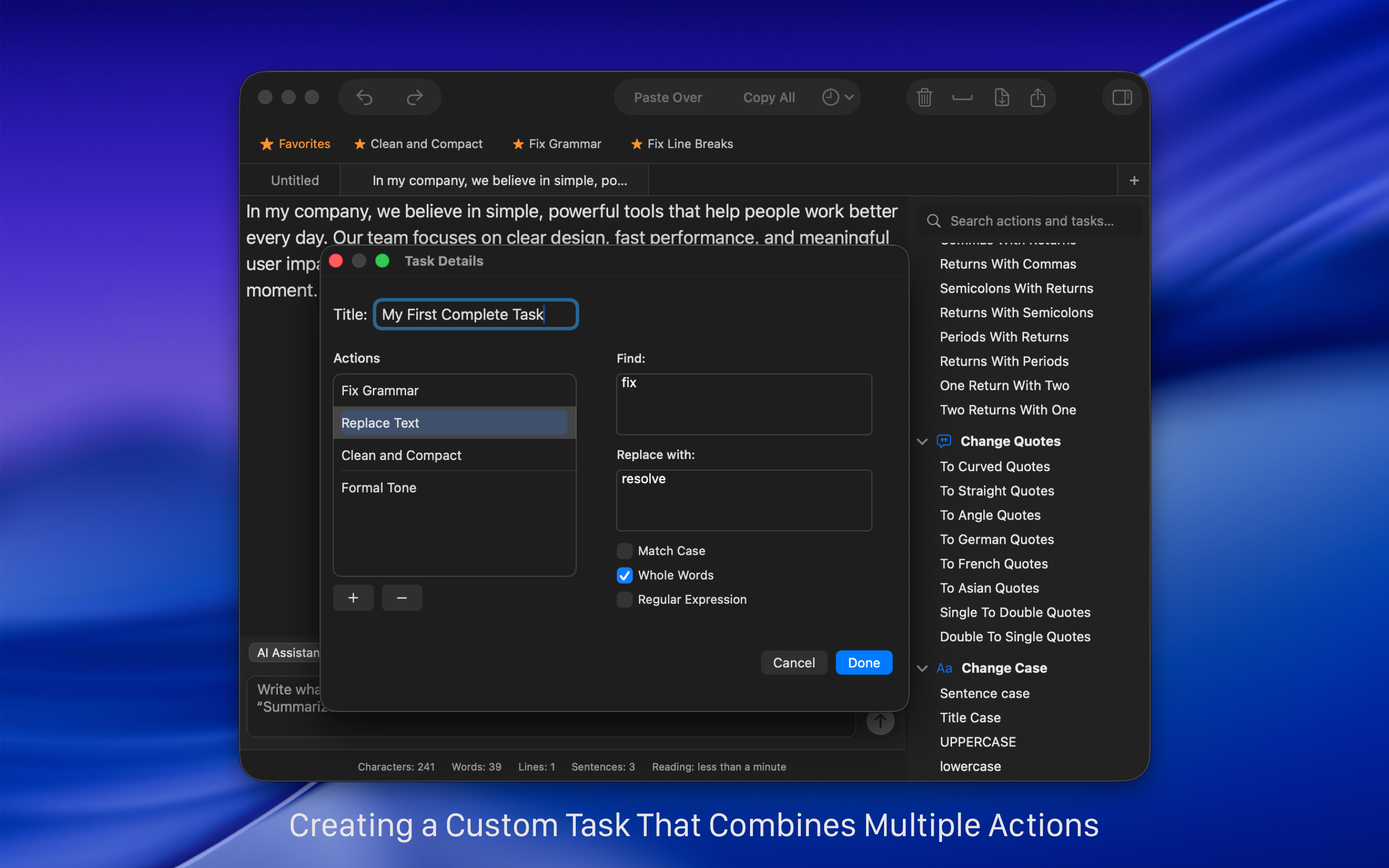
轻松建立自动任务。
用任务功能,您可以建立自动工作,对文本执行一系列动作和替换。建立它们人人做得到;如果您是高级用户,还可以加入正则表达式的模式。
使用正则表达式
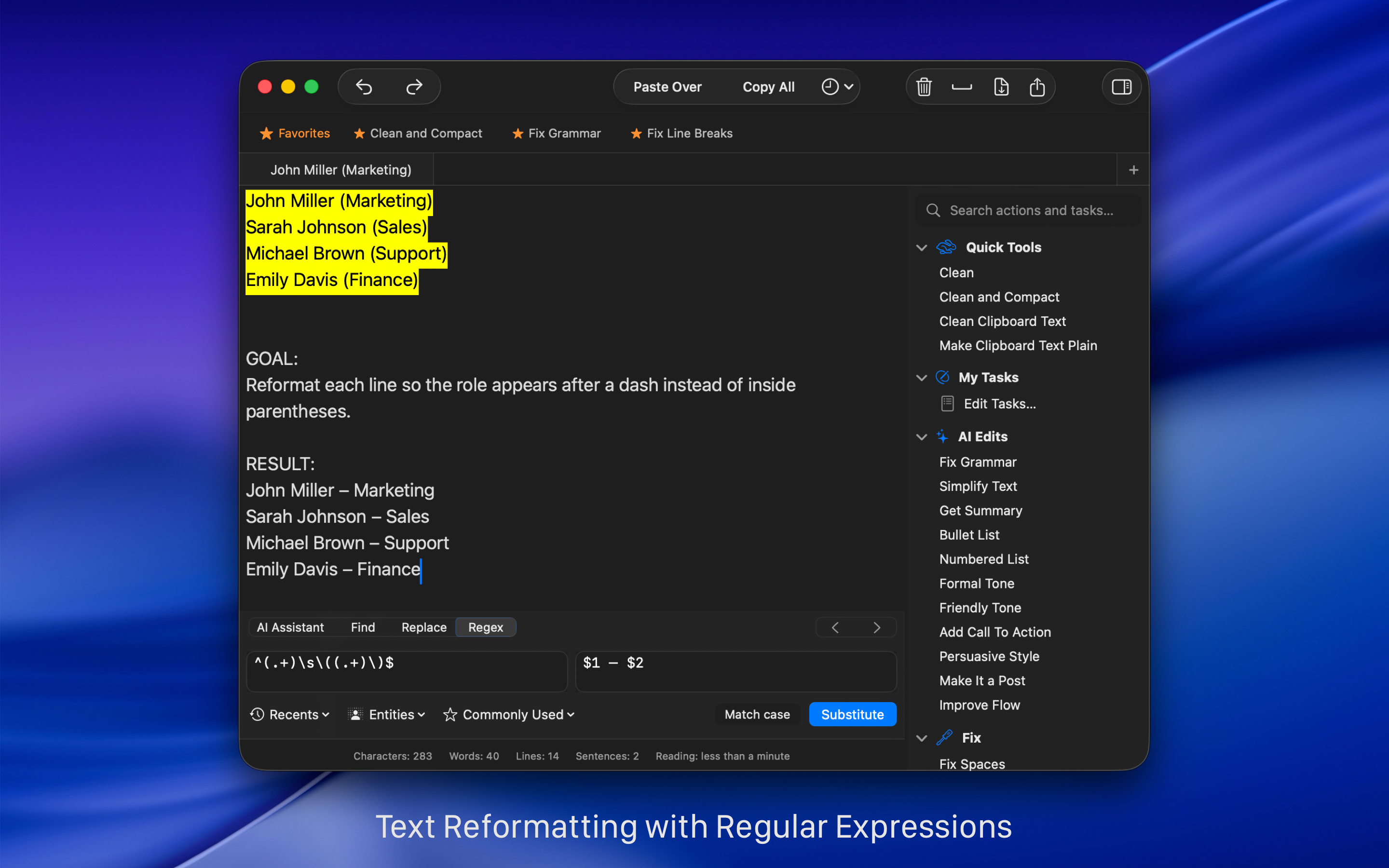
用 Regex 加快查找和替换。
查找和替换时,如果您是高级用户,可以使用 Regex,也就是正则表达式。和文本一起,您能很快找到制表符、段落和分页、以某个字符开头或结尾的词、日期、URL、电子邮件地址等。打开 Regex 面板,从常用表达式的菜单里选择要放进输入框的那一条。
了解如何 看着这些日常例子,用 Regex 加快查找和替换 。
使用 Clean Text 的许多理由
用起来简单,功能扎实。
Clean Text supports the latest macOS technologies, such as: iCloud to access the same text from any Mac and iOS device, Touch Bar for quickly enter Emoji, easy share with Mail, Messages, Note, Reminder, Twitter, Facebook, Linkedin and any other extension to share other apps had installed in your Mac, document advanced tabbed browsing and infinite undoes and redoes functionality. The app is written in Swift, the new fast and powerful Apple’s coding language.
Clean Text 的主要文本处理功能是:
• Smart Clean and Clean & Compact text with one click.
• Clean Clipboard content without pasting it into the app.
• Fix spaces and line breaks, join or split paragraphs, and strip quote prefixes.
• Trim leading and trailing spaces and remove empty lines.
• Replace tabs with spaces, spaces with tabs, spaces with returns, and returns with spaces.
• Replace single returns with double returns and vice versa.
• Convert three periods to ellipsis and ellipsis to three periods.
• Convert quotation marks: curved quotes, straight quotes, angle quotes, and Chinese quotes.
• Convert single quotes to double quotes and double quotes to single quotes.
• Change case to sentence case, title case, uppercase, lowercase, and random case.
• Remove empty lines, extra spaces, line breaks, duplicate words, and duplicate lines.
• Convert HTML to plain text and decode or encode URLs.
• Convert emoji and symbols to their textual description.
• ROT13 encoding (replace each letter with the letter 13 positions after it in the alphabet).
• Increase and decrease text indentation.
• Add and remove line numbers and quote prefixes.
• Sort lines, sort lines in reverse order, sort words alphabetically, and reverse text.
• Convert text to upside-down or mirrored pseudo text.
• Extract links, email addresses, phone numbers, and unique words.
• Find and Replace with live highlighting and real-time preview.
• Regular Expression live search and substitution.
• Characters, words, spaces, and lines count.
• Estimated reading time calculation.
• Custom Tasks to combine multiple cleanup actions into a single workflow.
• AI-assisted tools to fix grammar and punctuation, simplify text, summarize content, and convert paragraphs into bullet or numbered lists (optional and on-device).
• iCloud sync to send and retrieve text between Mac, iPhone, and iPad.
• macOS Services and Shortcuts support for automation.
• Unlimited undo and redo for safe editing.
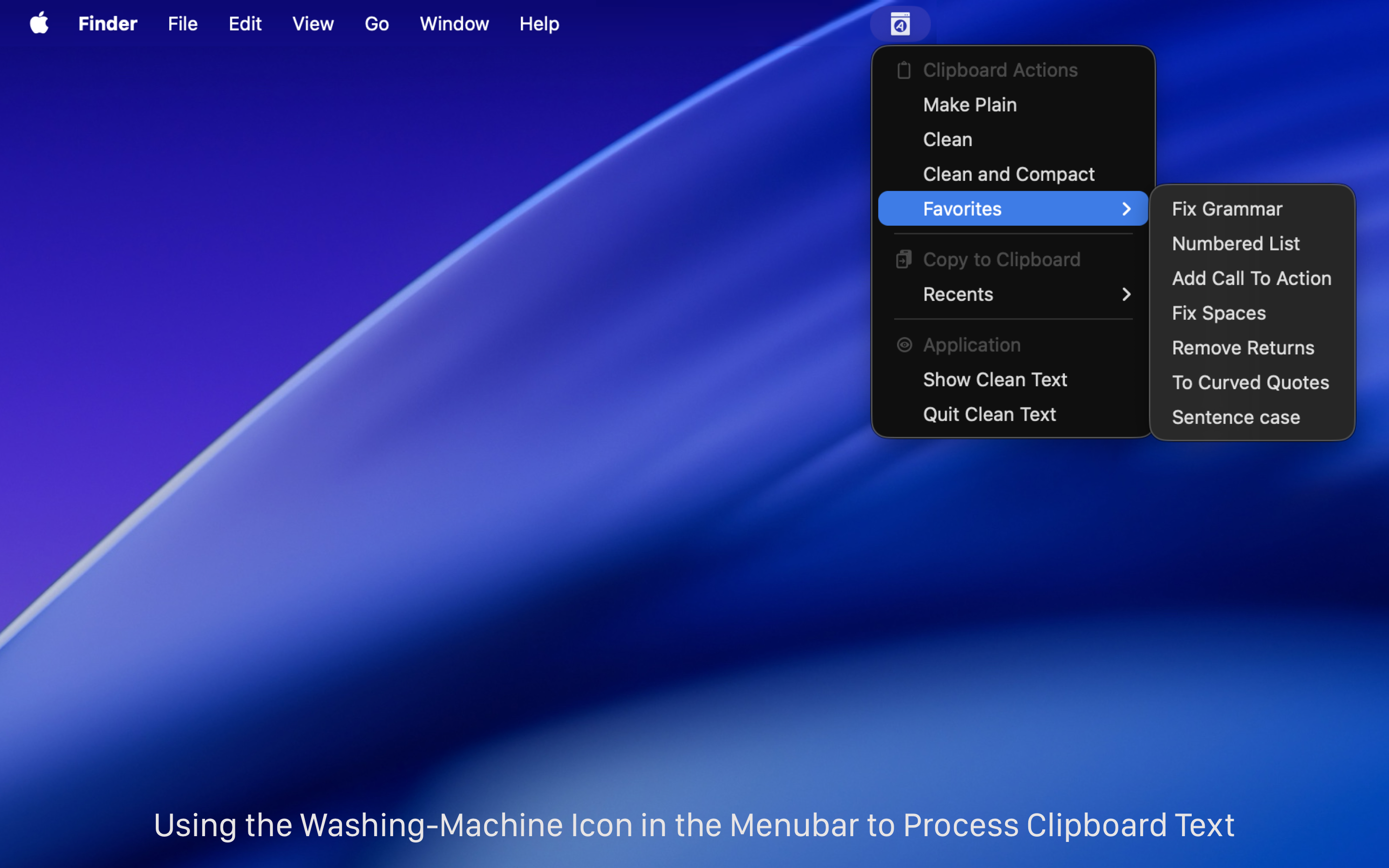
• Menu bar tools to clean clipboard text instantly.
相关文章:
- Study: two spaces after a period makes reading easier Boing Boing
- Clean Text tidies up messy text on iOS Cult of Mac
- Clean Text 7 per Mac sfrutta il Machine Learning Macitynet
- One more go at iOS text manipulation MacSparky