
Clean Text は、毎日テキストを扱う人のために作られています。書く人、校正する人、開発する人、学ぶ人、内容を作る人。書類、メール、メモ、ウェブで、書式を掃除し、内容を揃え、テキストを素早く確実に組み直せます。

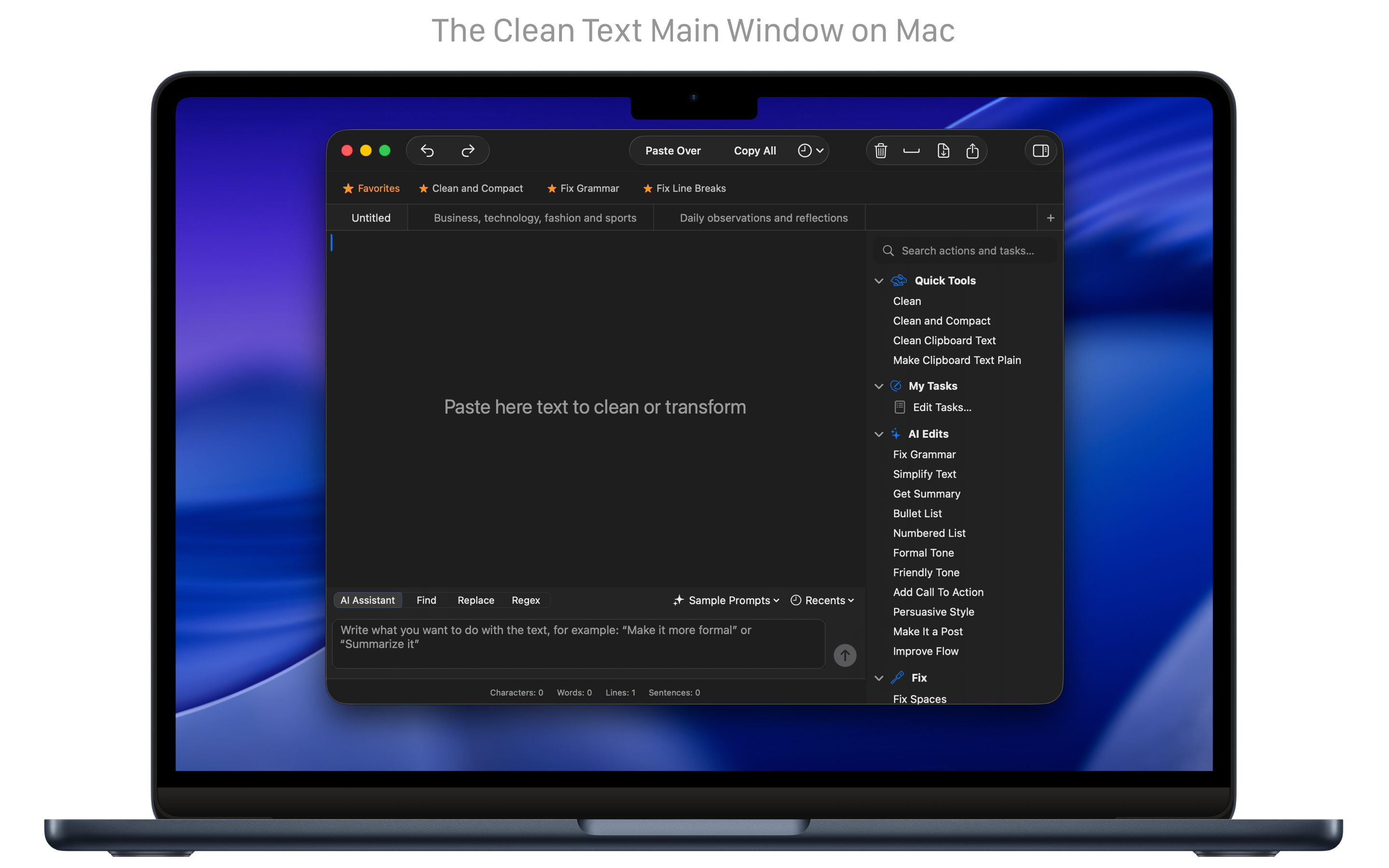
すばやい掃除
テキストを、1 ステップで掃除し、直し、揃えます。
「掃除」は、最もよくある作業を数秒で行います。空行、余分な空白、重なった文字、壊れた改行、揃っていない引用符を取り除きます。複数の動作をカスタムタスクにまとめることもでき、繰り返しの作業が、好きなときに実行できる 1 つの操作になります。
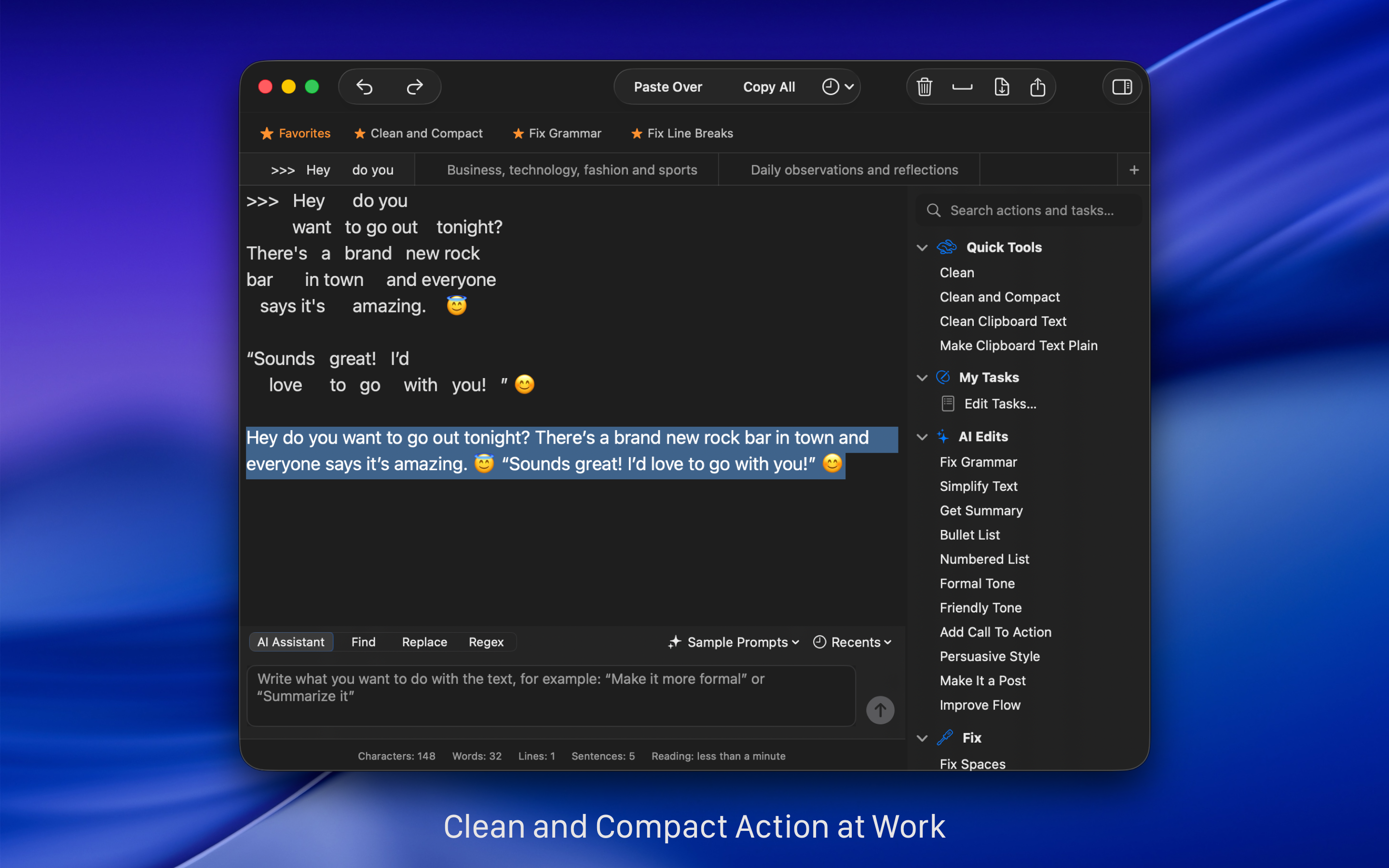
AI に助けられた推敲
正確な AI の道具で、推敲を速くします。
Clean Text には、従来の掃除と書式の機能とともに、機器上の AI があります。文法と句読点を直し、複雑な文を簡単にし、短い要約を作り、段落をすぐ箇条書きや番号リストにできます。目的は、内容を Mac 上で非公開に保ったまま、テキストを磨くことです。これらの道具は精度と生産性を狙い、より少ない手間でより良い結果を出します。
自然言語処理
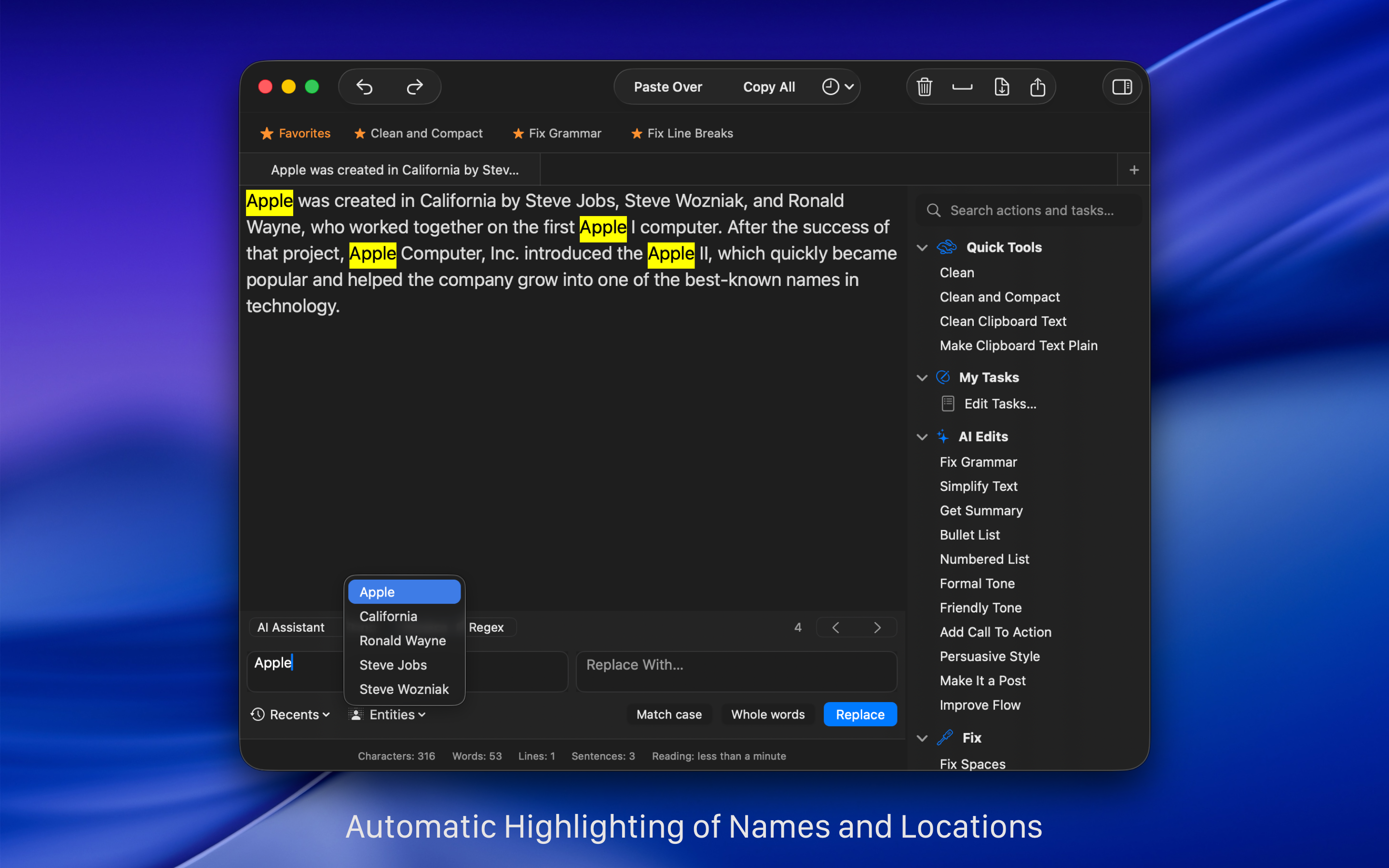
テキストに出てくる名前、場所、組織を、すぐに見分けます。
Clean Text は、テキストを深く理解するために、Apple の機械学習フレームワーク Core ML を使います。エンティティ機能は、機械学習と自然言語処理(NLP)で、人、場所、組織の名前をすぐに見つけ、選択します。
Mac で書く
…そして、テキストを iCloud で iOS 機器へ送ります。
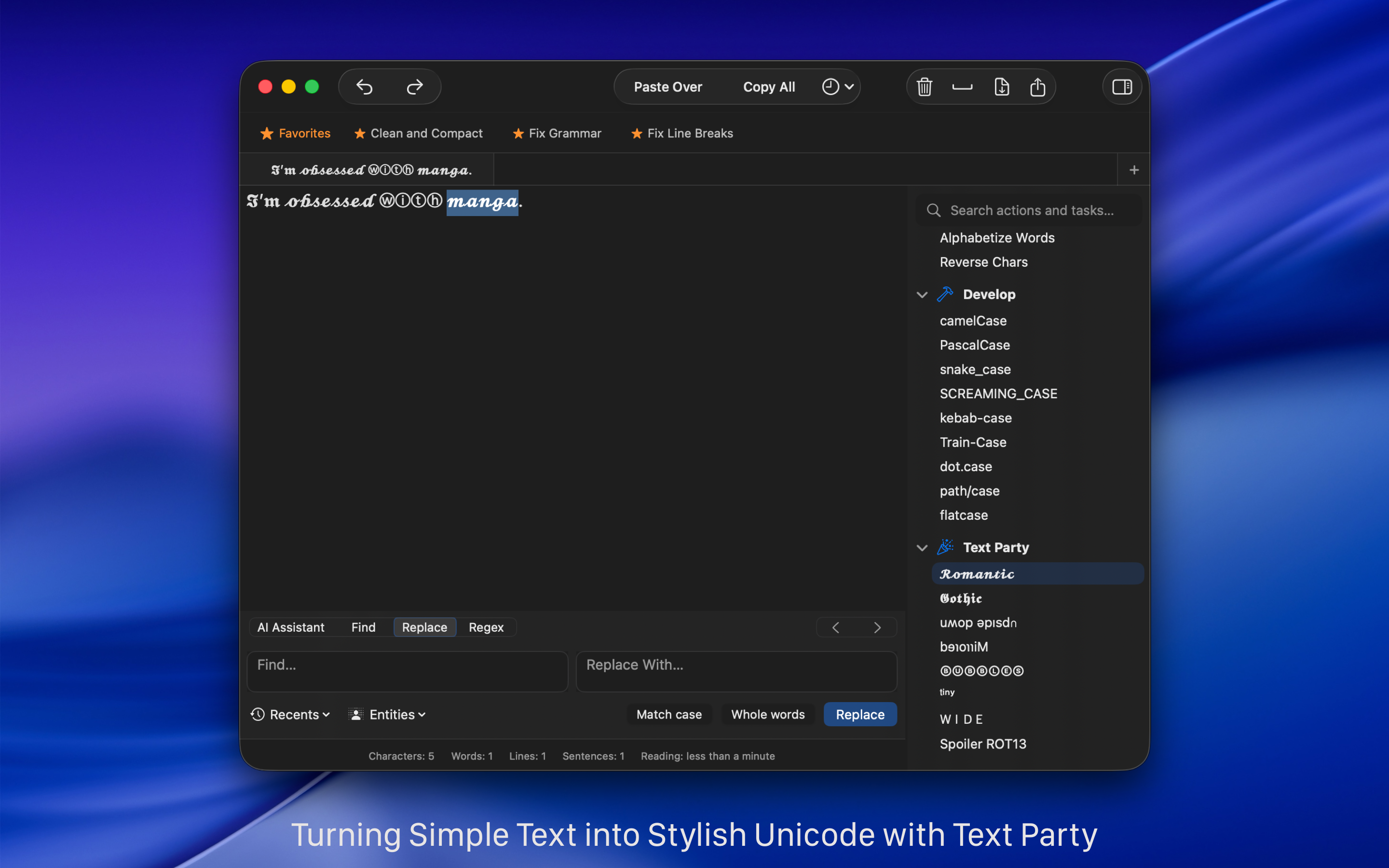
Clean Text では、Mac で書いたテキストを、どの iOS 機器でも見つけられます。iCloud のおかげで、それは次の中にあります iPhone / iPad 版 Clean Text。Mac でたった今書いた、まさにそのテキストです。専用メニューで、iCloud 経由でテキストを送受信できます(iOS 版 Clean Text は別途購入です)。
自動化する
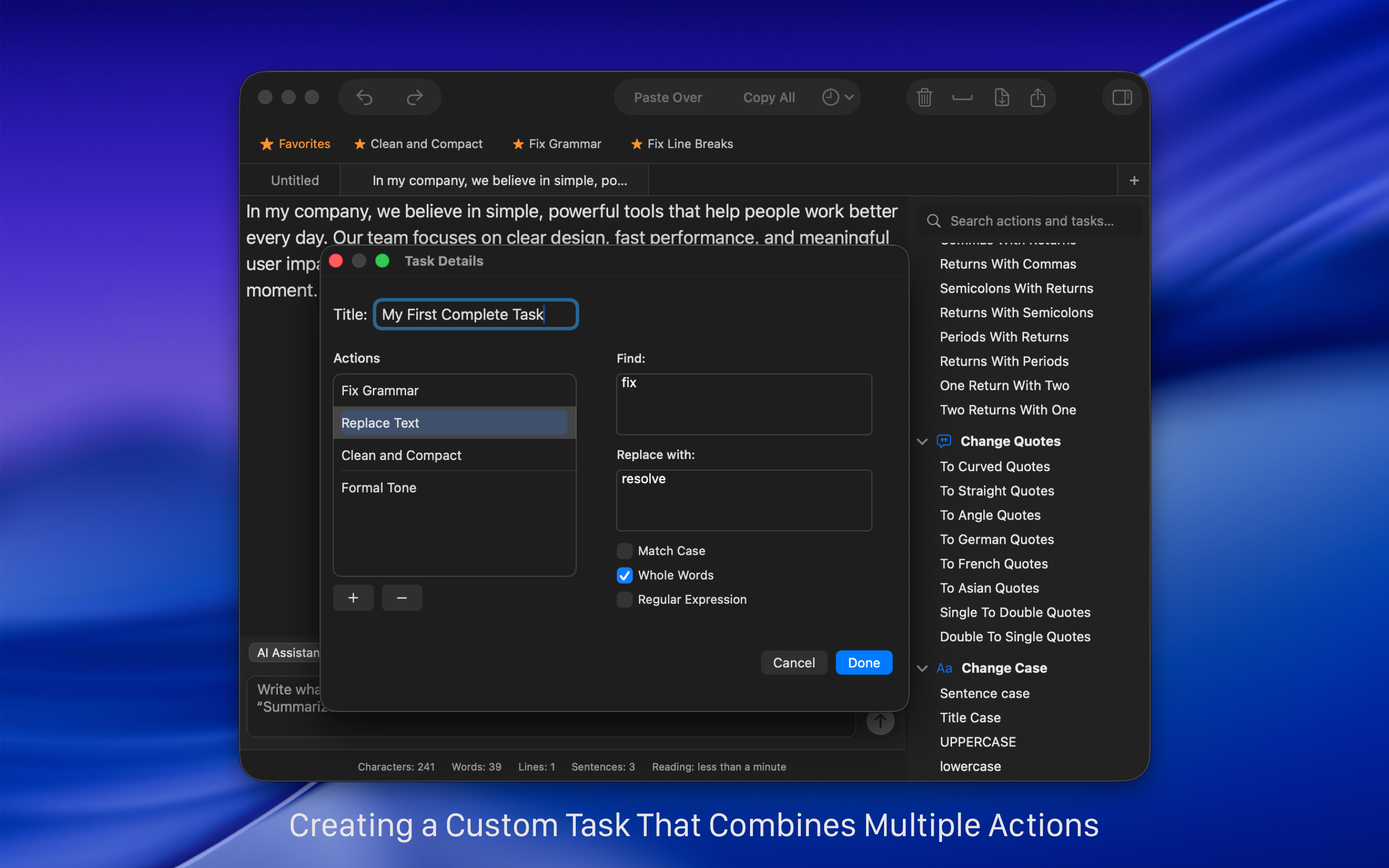
自動のタスクを、簡単に作ります。
タスク機能で、テキストに一連の処理と置換を行う自動の作業を作れます。作ることは誰にでも届き、上級者なら正規表現のパターンも含められます。
正規表現を使う
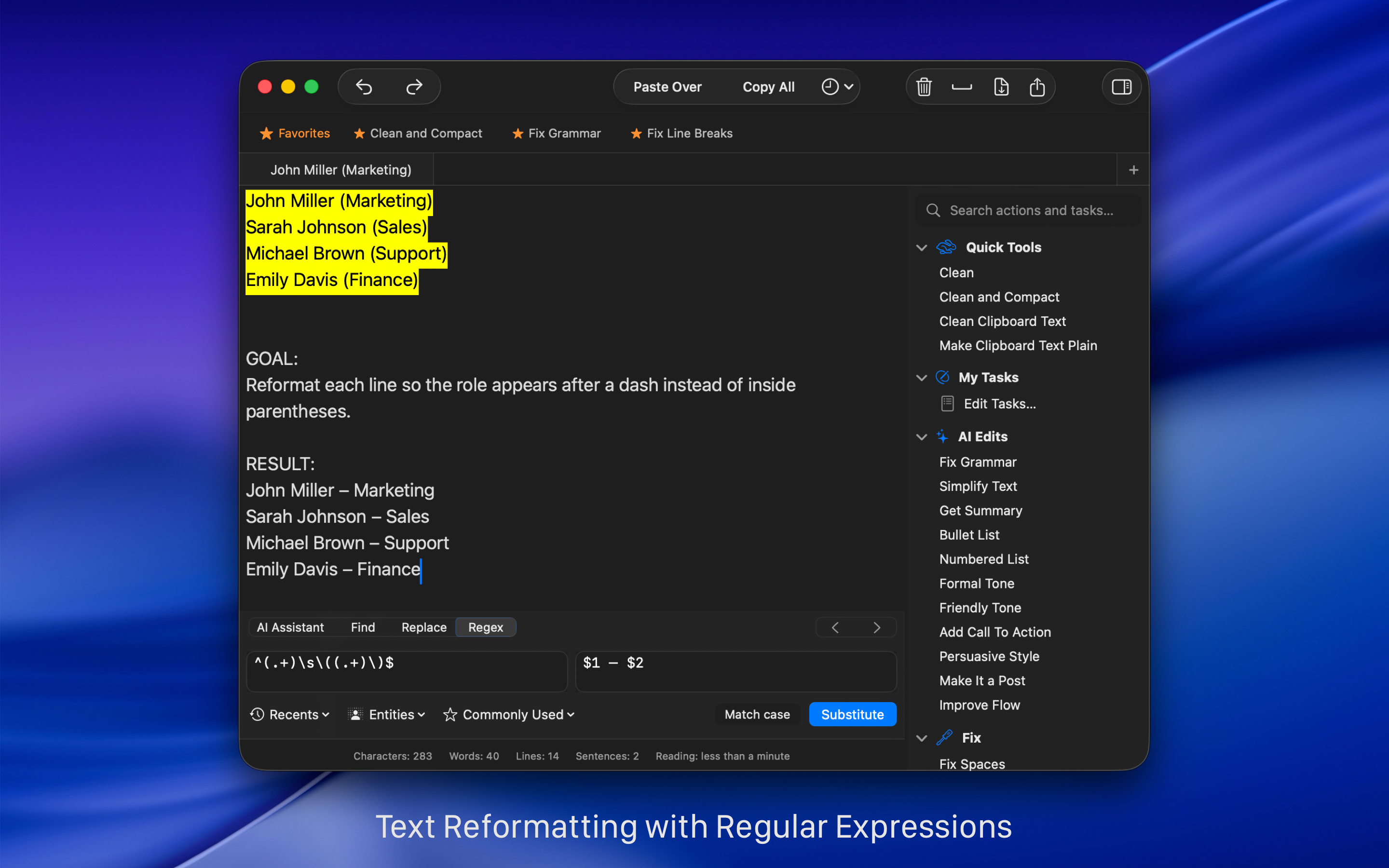
Regex で、検索と置換を速くします。
検索と置換のとき、上級者なら Regex、つまり正規表現を使えます。テキストと組み合わせて、タブ、段落区切り、改ページ、特定の文字で始まるまたは終わる語、日付、URL、メールアドレスなどをすぐ見つけられます。Regex パネルへ行き、よく使う式のメニューから、式の欄に入れるものを選びます。
次の方法を見てください。 これらの日常の例を見て、Regex で検索と置換を速くする 。
Clean Text を使う、多くの理由
使い方は簡単。機能はしっかりしています。
Clean Text supports the latest macOS technologies, such as: iCloud to access the same text from any Mac and iOS device, Touch Bar for quickly enter Emoji, easy share with Mail, Messages, Note, Reminder, Twitter, Facebook, Linkedin and any other extension to share other apps had installed in your Mac, document advanced tabbed browsing and infinite undoes and redoes functionality. The app is written in Swift, the new fast and powerful Apple’s coding language.
Clean Text の主なテキスト処理機能は、次のとおりです。
• Smart Clean and Clean & Compact text with one click.
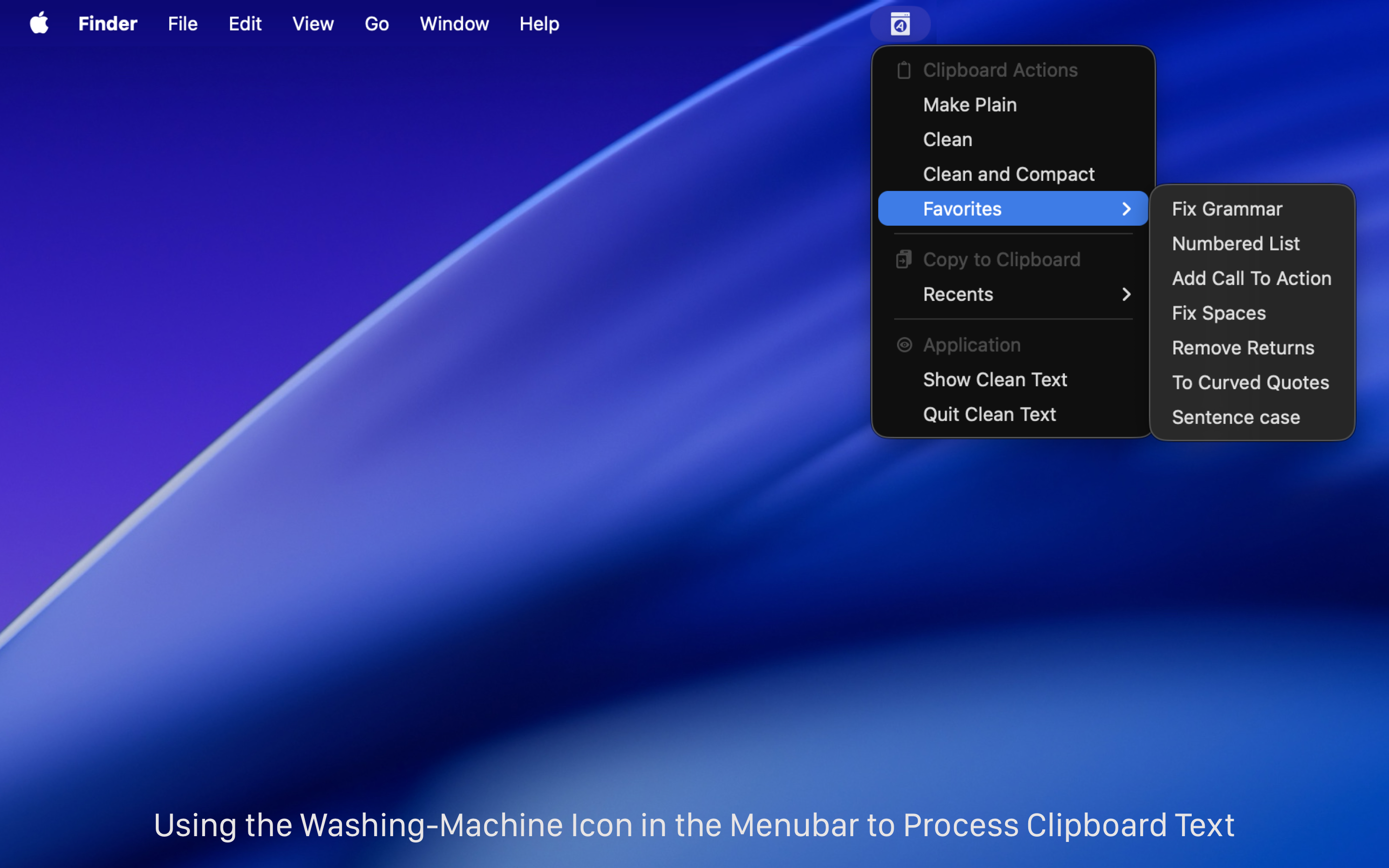
• Clean Clipboard content without pasting it into the app.
• Fix spaces and line breaks, join or split paragraphs, and strip quote prefixes.
• Trim leading and trailing spaces and remove empty lines.
• Replace tabs with spaces, spaces with tabs, spaces with returns, and returns with spaces.
• Replace single returns with double returns and vice versa.
• Convert three periods to ellipsis and ellipsis to three periods.
• Convert quotation marks: curved quotes, straight quotes, angle quotes, and Chinese quotes.
• Convert single quotes to double quotes and double quotes to single quotes.
• Change case to sentence case, title case, uppercase, lowercase, and random case.
• Remove empty lines, extra spaces, line breaks, duplicate words, and duplicate lines.
• Convert HTML to plain text and decode or encode URLs.
• Convert emoji and symbols to their textual description.
• ROT13 encoding (replace each letter with the letter 13 positions after it in the alphabet).
• Increase and decrease text indentation.
• Add and remove line numbers and quote prefixes.
• Sort lines, sort lines in reverse order, sort words alphabetically, and reverse text.
• Convert text to upside-down or mirrored pseudo text.
• Extract links, email addresses, phone numbers, and unique words.
• Find and Replace with live highlighting and real-time preview.
• Regular Expression live search and substitution.
• Characters, words, spaces, and lines count.
• Estimated reading time calculation.
• Custom Tasks to combine multiple cleanup actions into a single workflow.
• AI-assisted tools to fix grammar and punctuation, simplify text, summarize content, and convert paragraphs into bullet or numbered lists (optional and on-device).
• iCloud sync to send and retrieve text between Mac, iPhone, and iPad.
• macOS Services and Shortcuts support for automation.
• Unlimited undo and redo for safe editing.
• Menu bar tools to clean clipboard text instantly.
関連記事:
- Study: two spaces after a period makes reading easier Boing Boing
- Clean Text tidies up messy text on iOS Cult of Mac
- Clean Text 7 per Mac sfrutta il Machine Learning Macitynet
- One more go at iOS text manipulation MacSparky