
Clean Text is designed for people who work with text every day — writers, editors, developers, students, and content creators. It helps you clean up formatting, standardize content, and reorganize text quickly and reliably, whether you’re working on documents, emails, notes, or web content.

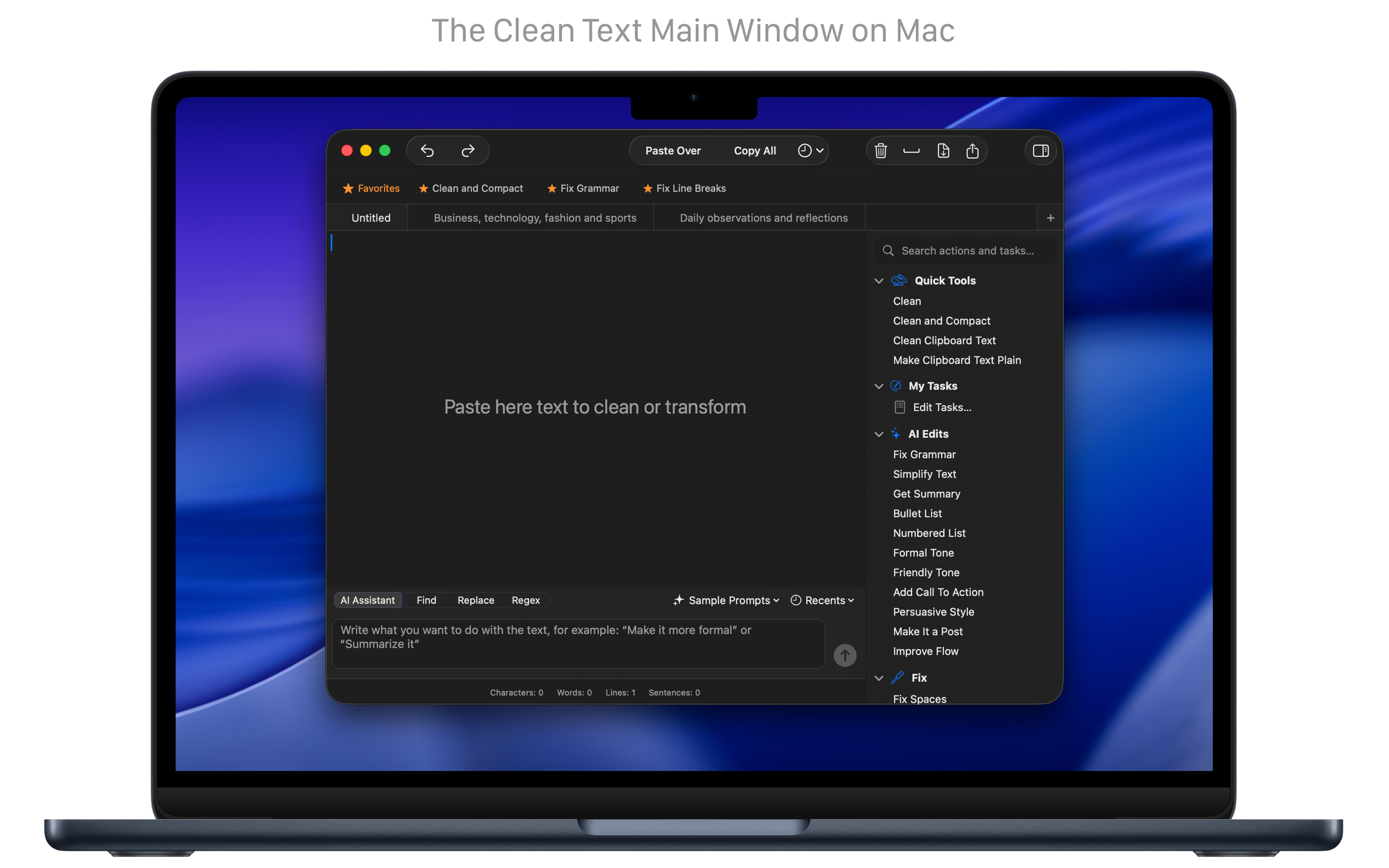
Quick Clean
Clean, fix, and standardize text in one step.
The action “Clean” performs the most common cleanup operations in seconds — removing empty lines, extra spaces, duplicate characters, broken line breaks, or inconsistent quotes. You can also combine multiple actions into Custom Tasks, so repetitive formatting and cleanup work becomes a single, repeatable operation you can run any time.
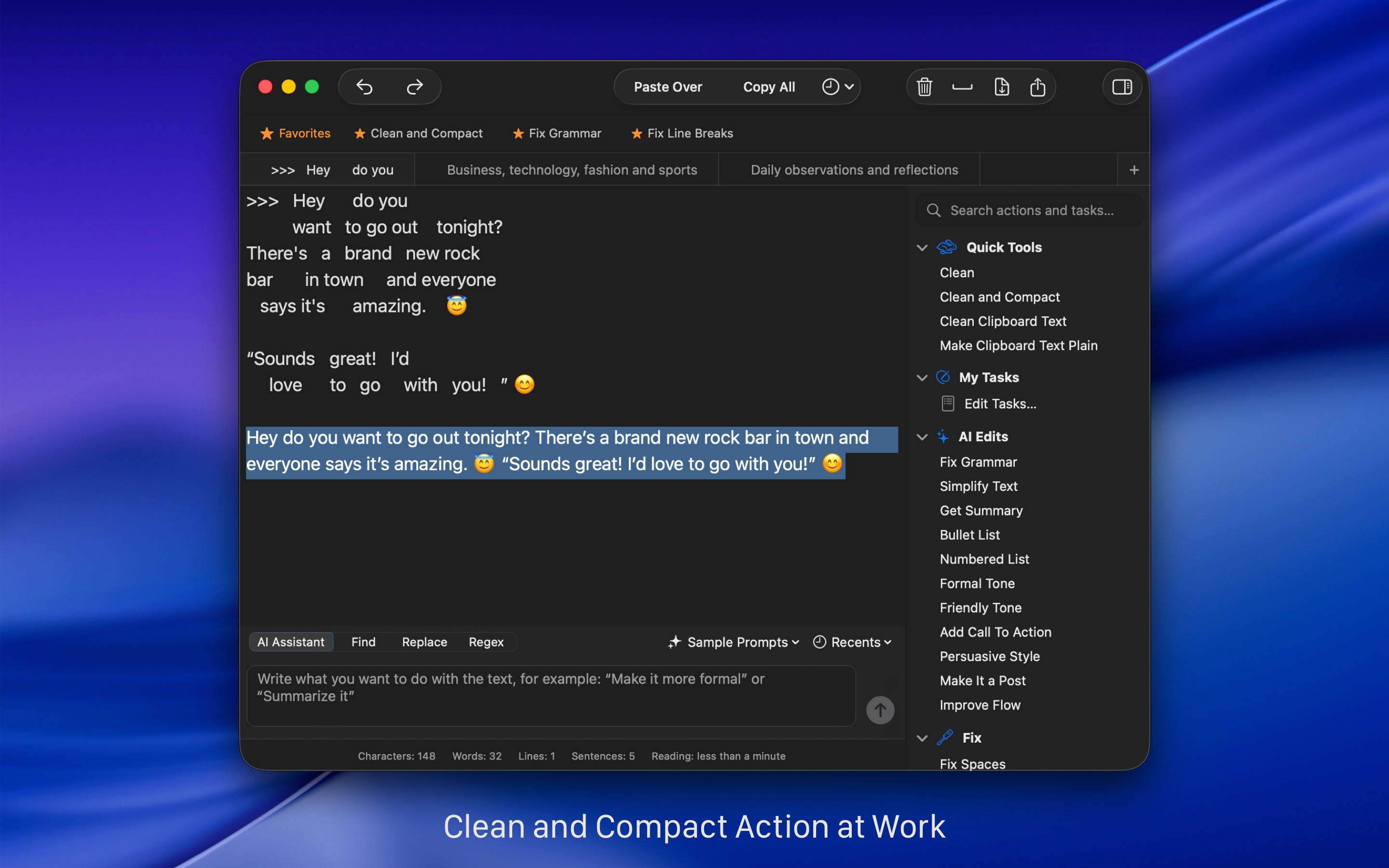
AI-Assisted Editing
Speed up text editing with precise, AI-powered tools.
Clean Text includes built-in, on-device AI tools that work alongside all the classic text-cleaning and formatting features. You can choose to use these AI tools to fix grammar and punctuation, simplify complex sentences, generate short summaries, or instantly turn paragraphs into bullet or numbered lists. The goal is to help you refine your text while keeping your content private on your Mac. These AI tools focus on precision and productivity, helping you get better results with less effort.
Natural Language Processing
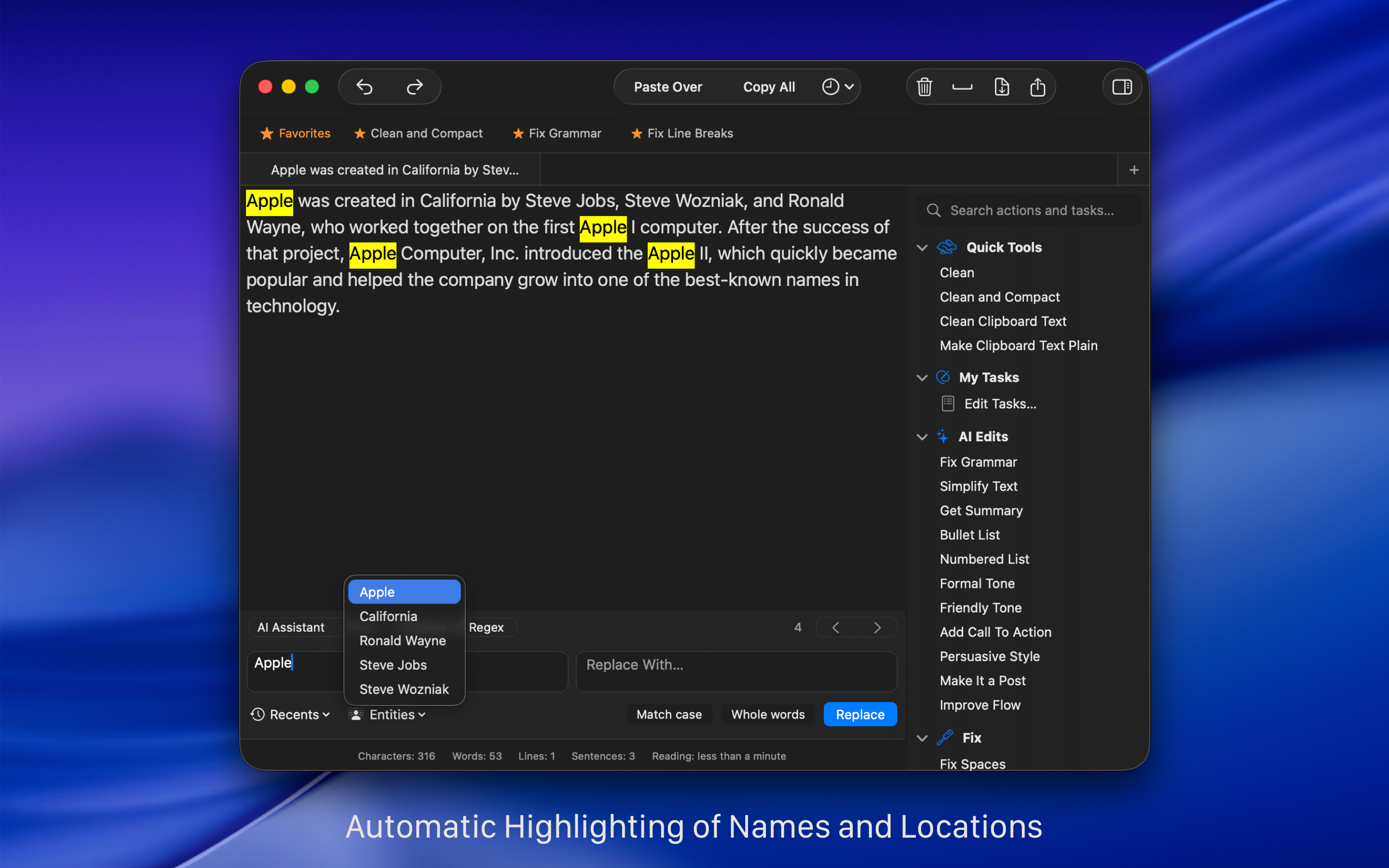
Instantly identify names, places and organizations mentioned in the text.
Clean Text takes advantage of Apple’s Core ML, a new foundational machine learning framework to deeply understand text. The Entities functionality of the app uses machine learning and natural language processing (NLP) to instantly identify and select personal names, place names and organization names mentioned in the text.
Type on Mac
…and send your text to iOS devices via iCloud.
With Clean Text, you can write text on Mac and then find it on any iOS device. Thanks to iCloud, you will find in Clean Text for iPhone and iPad, exactly the text that you have just typed on Mac. Just use the dedicated popup menu to send or receive the text via iCloud (Clean Text for iOS requires a separate purchase).
Automate
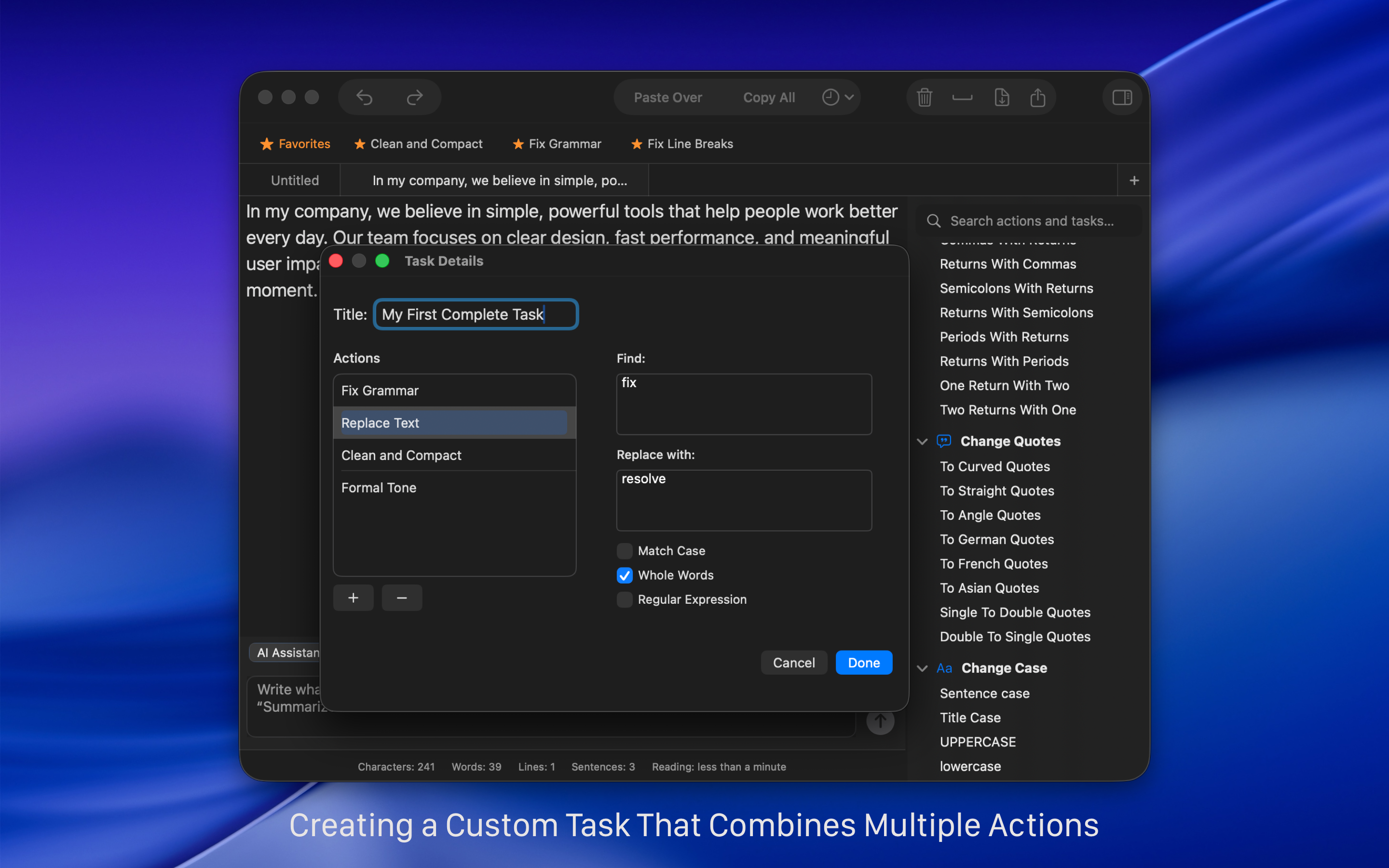
Easily create automated tasks.
With the new Tasks feature, you can easily create automated tasks that perform a series of processing actions and replacements in the text. Creating tasks is within everyone’s reach, and if you’re an advanced user, you can also include Regular Expressions patterns in your tasks.
Use Regular Expressions
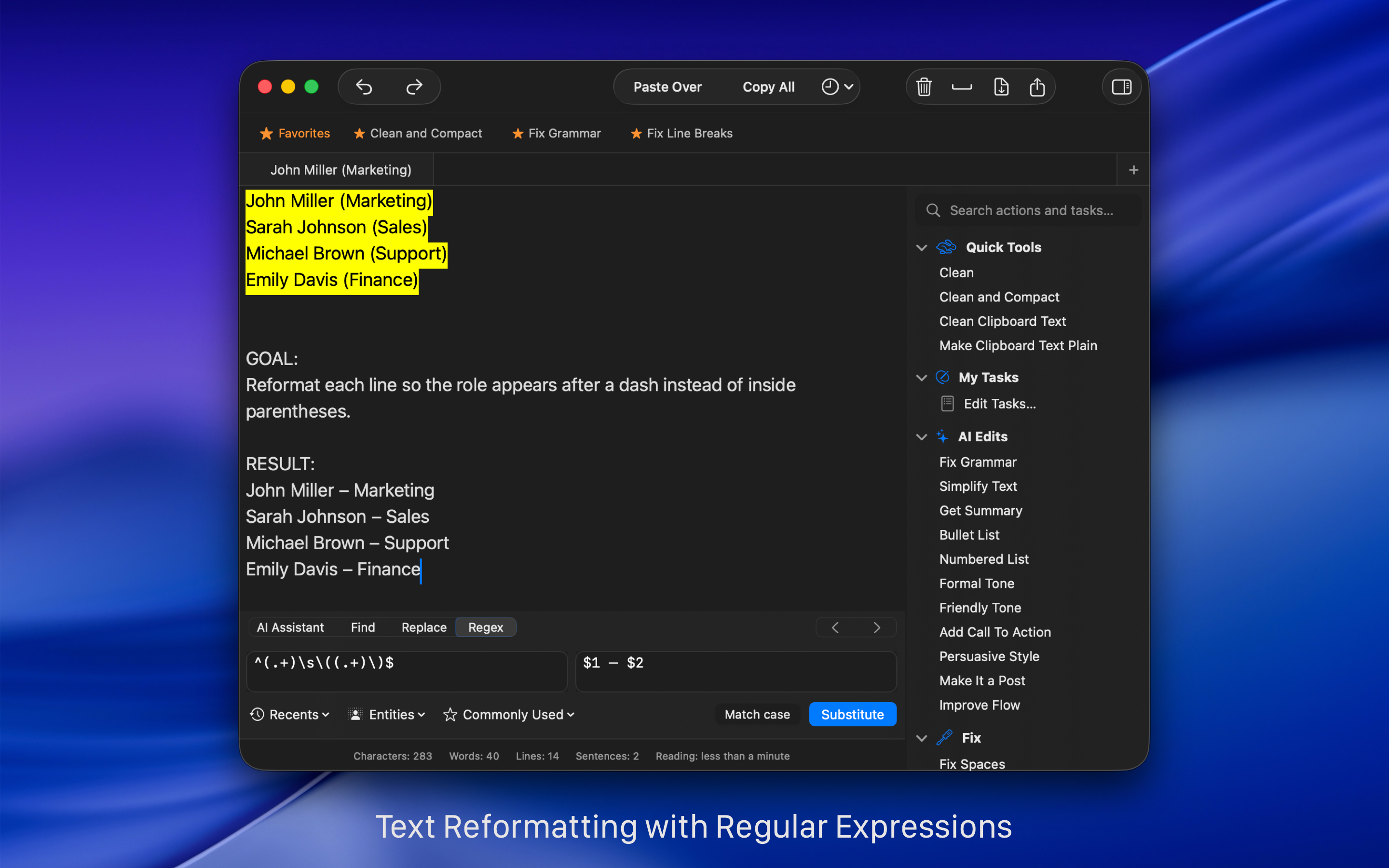
Accelerate your search and replace work using Regex.
When you search and replace text, if you are an advanced user, you can use Regex (Regular Expressions). Using Regex, in combination of text, you can find quickly tabs, paragraph breaks, page breaks, word starting or ending with a particular character, dates, URLs, email addresses and so on. Just go to the Regex pane and choose from the Commonly Used Expressions popup menu the item you want to insert on the Expression box.
Find out how to speed up your text search and replace work with Regex by looking at these examples of everyday use.
Many reasons to use Clean Text
Simple to use but powerful in functionality.
Clean Text supports the latest macOS technologies, such as: iCloud to access the same text from any Mac and iOS device, Touch Bar for quickly enter Emoji, easy share with Mail, Messages, Note, Reminder, Twitter, Facebook, Linkedin and any other extension to share other apps had installed in your Mac, document advanced tabbed browsing and infinite undoes and redoes functionality. The app is written in Swift, the new fast and powerful Apple’s coding language.
The main text processing features of Clean Text are:
• Smart Clean and Clean & Compact text with one click.
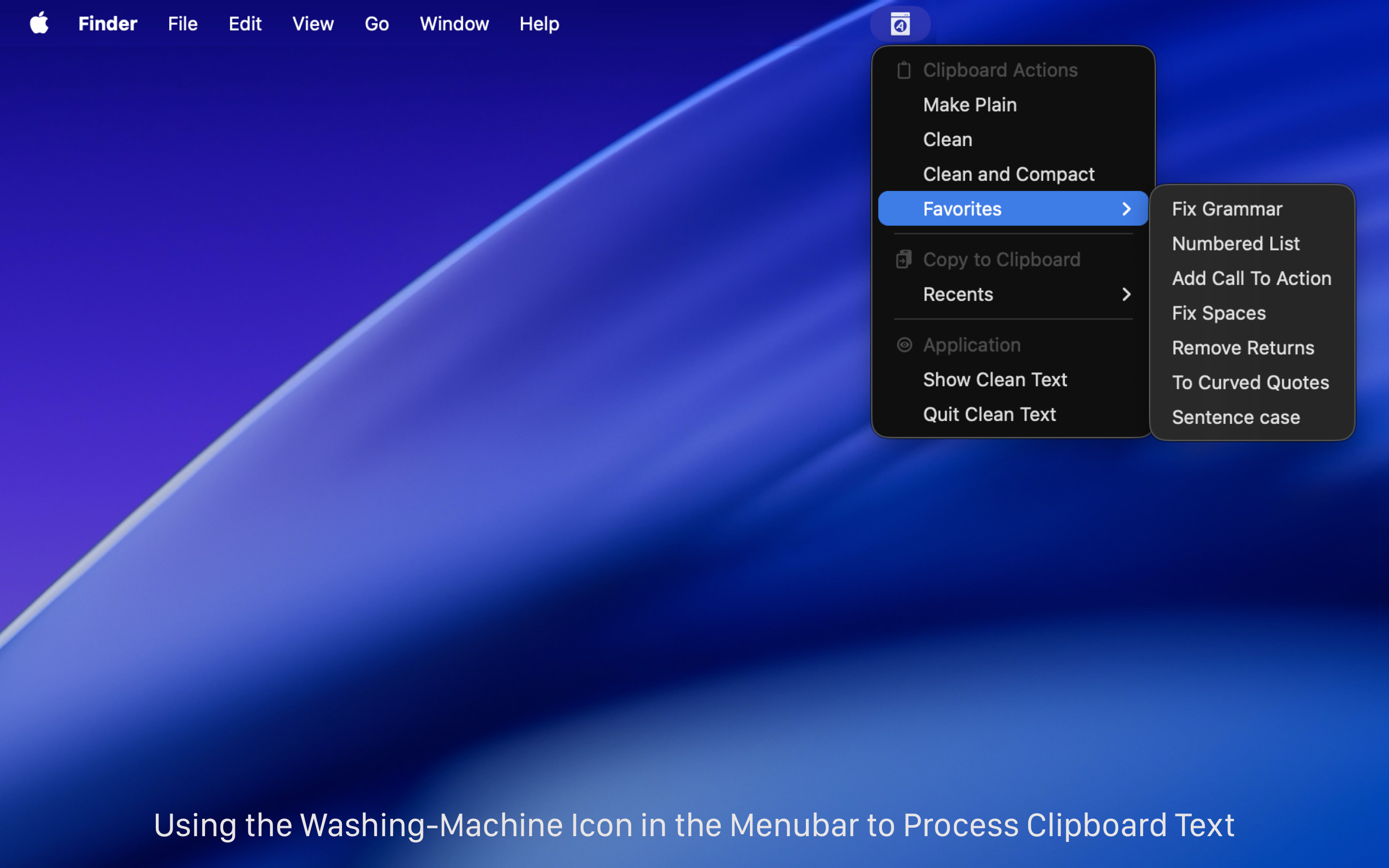
• Clean Clipboard content without pasting it into the app.
• Fix spaces and line breaks, join or split paragraphs, and strip quote prefixes.
• Trim leading and trailing spaces and remove empty lines.
• Replace tabs with spaces, spaces with tabs, spaces with returns, and returns with spaces.
• Replace single returns with double returns and vice versa.
• Convert three periods to ellipsis and ellipsis to three periods.
• Convert quotation marks: curved quotes, straight quotes, angle quotes, and Chinese quotes.
• Convert single quotes to double quotes and double quotes to single quotes.
• Change case to sentence case, title case, uppercase, lowercase, and random case.
• Remove empty lines, extra spaces, line breaks, duplicate words, and duplicate lines.
• Convert HTML to plain text and decode or encode URLs.
• Convert emoji and symbols to their textual description.
• ROT13 encoding (replace each letter with the letter 13 positions after it in the alphabet).
• Increase and decrease text indentation.
• Add and remove line numbers and quote prefixes.
• Sort lines, sort lines in reverse order, sort words alphabetically, and reverse text.
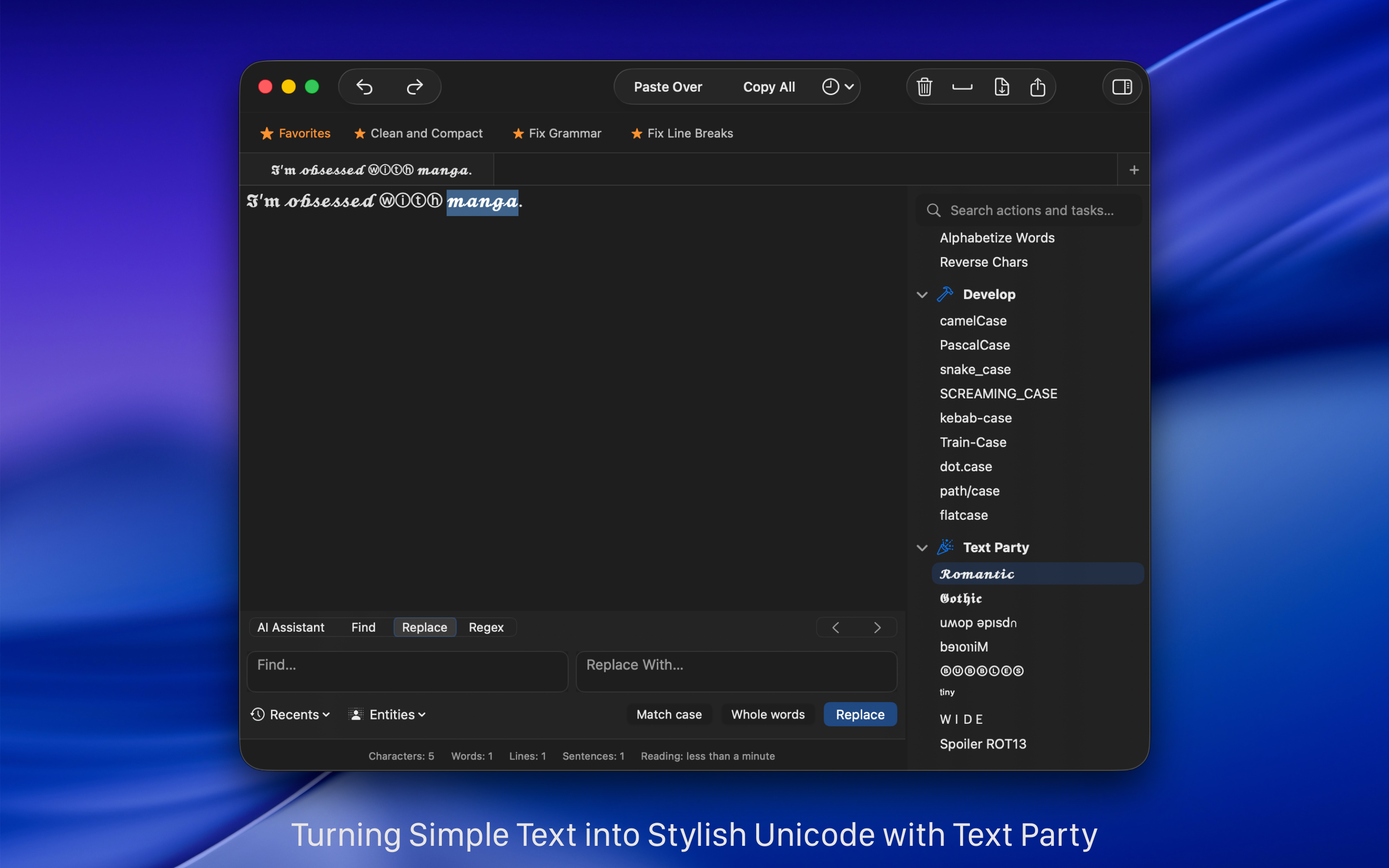
• Convert text to upside-down or mirrored pseudo text.
• Extract links, email addresses, phone numbers, and unique words.
• Find and Replace with live highlighting and real-time preview.
• Regular Expression live search and substitution.
• Characters, words, spaces, and lines count.
• Estimated reading time calculation.
• Custom Tasks to combine multiple cleanup actions into a single workflow.
• AI-assisted tools to fix grammar and punctuation, simplify text, summarize content, and convert paragraphs into bullet or numbered lists (optional and on-device).
• iCloud sync to send and retrieve text between Mac, iPhone, and iPad.
• macOS Services and Shortcuts support for automation.
• Unlimited undo and redo for safe editing.
• Menu bar tools to clean clipboard text instantly.
Related Articles:
- Study: two spaces after a period makes reading easier Boing Boing
- Clean Text tidies up messy text on iOS Cult of Mac
- Clean Text 7 per Mac sfrutta il Machine Learning Macitynet
- One more go at iOS text manipulation MacSparky