Turn your TV into a large, easy-to-read timer you can see from anywhere in the room. Perfect for workouts, meetings, study sessions, cooking, and daily routines. Download Timer TV and keep time clearly in view.

See the time, stay focused
Clear countdown for every activity
Perfect for workouts, meetings, cooking, study sessions, and daily routines. The countdown is always clear, helping you stay in control of your time.
Designed for real-life moments
Use it when timing matters
Keep lessons and breaks on schedule, run workouts with clear intervals. manage presentations and meetings. time exams or study sessions, cook with confidence or support daily routines with a visual countdown
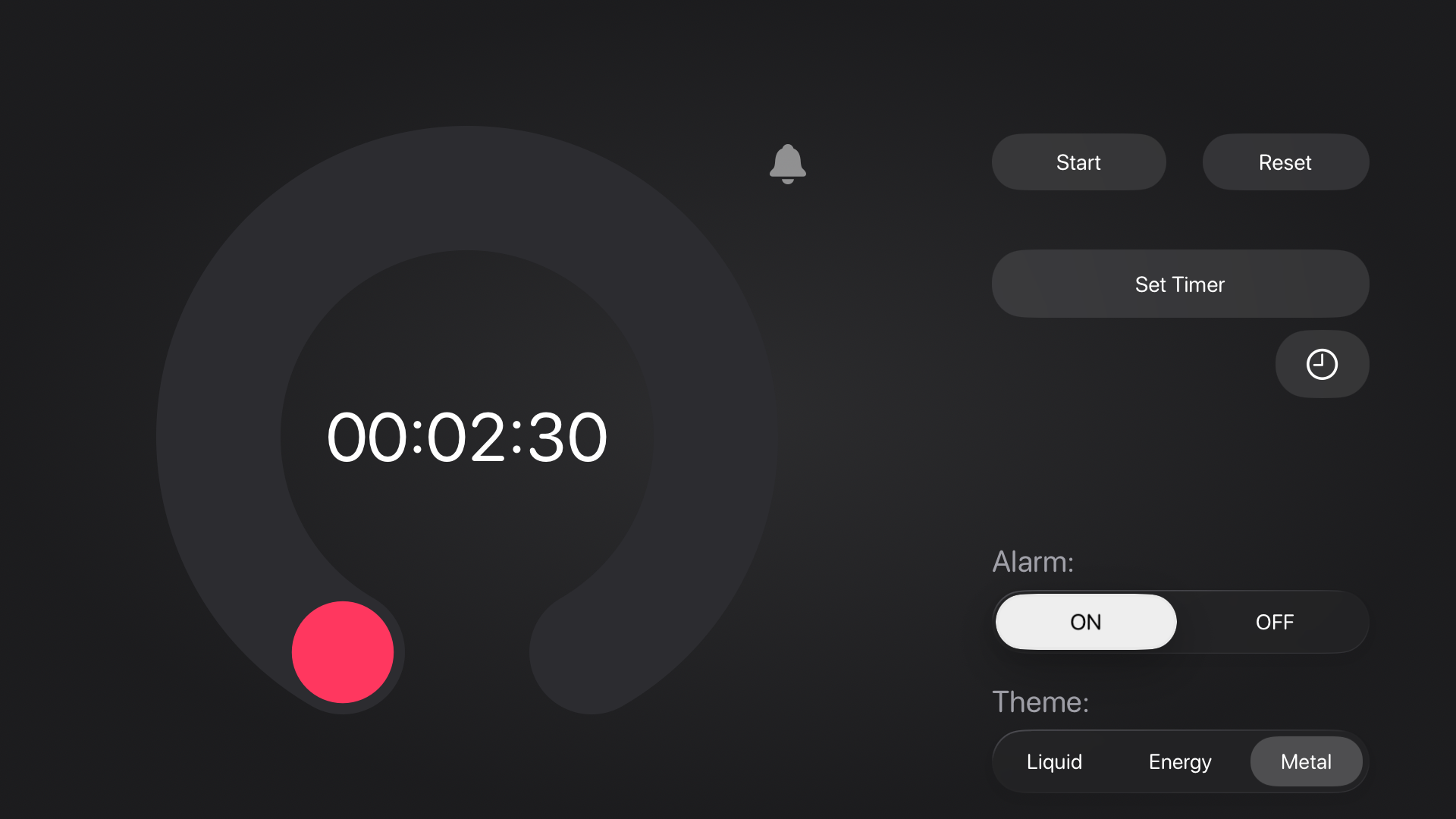
Big screen, perfect readability
Optimized for TV viewing
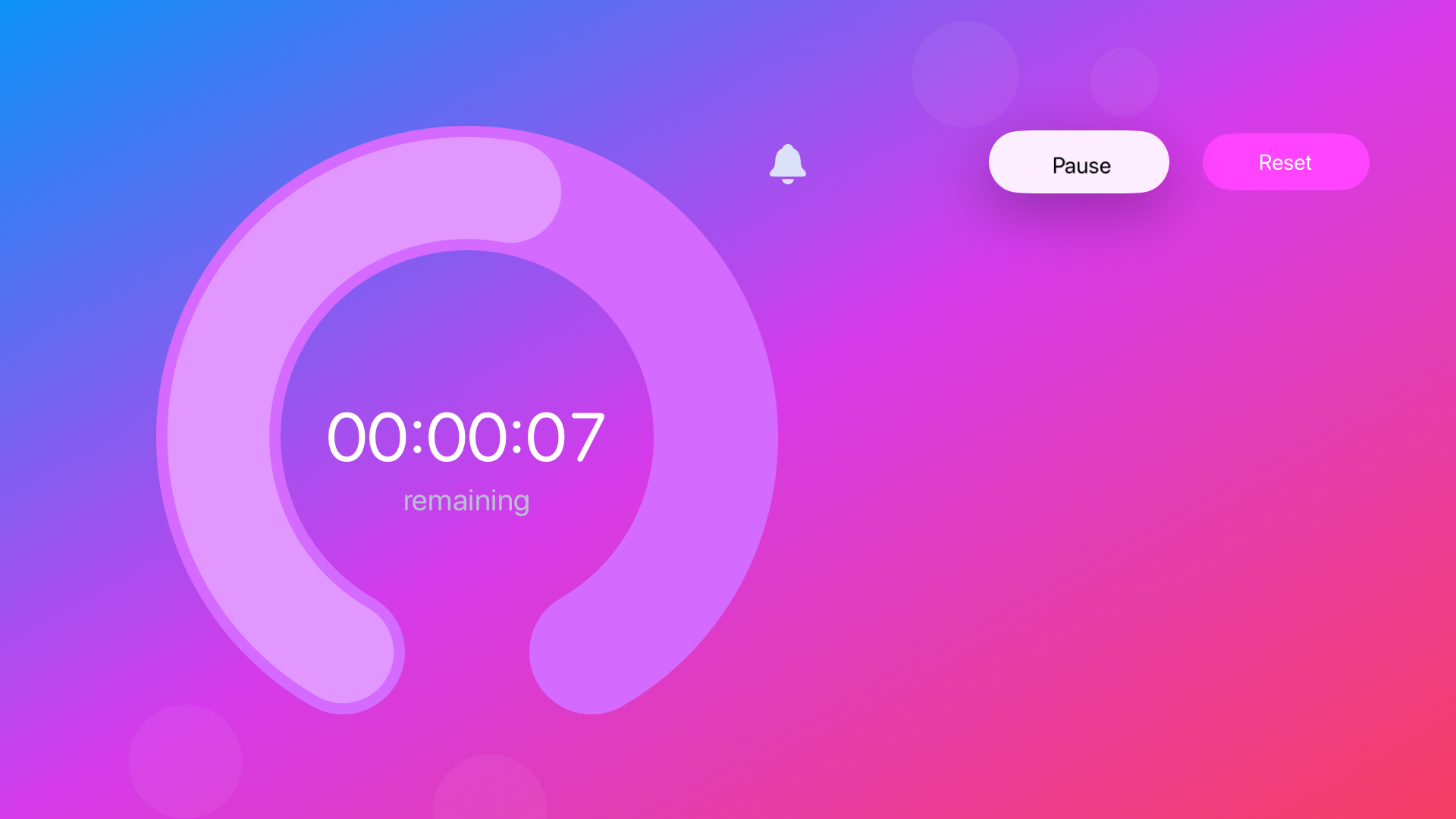
Large, stable digits that stay perfectly aligned, clean layout designed for the big screen and easy to read from across the room.
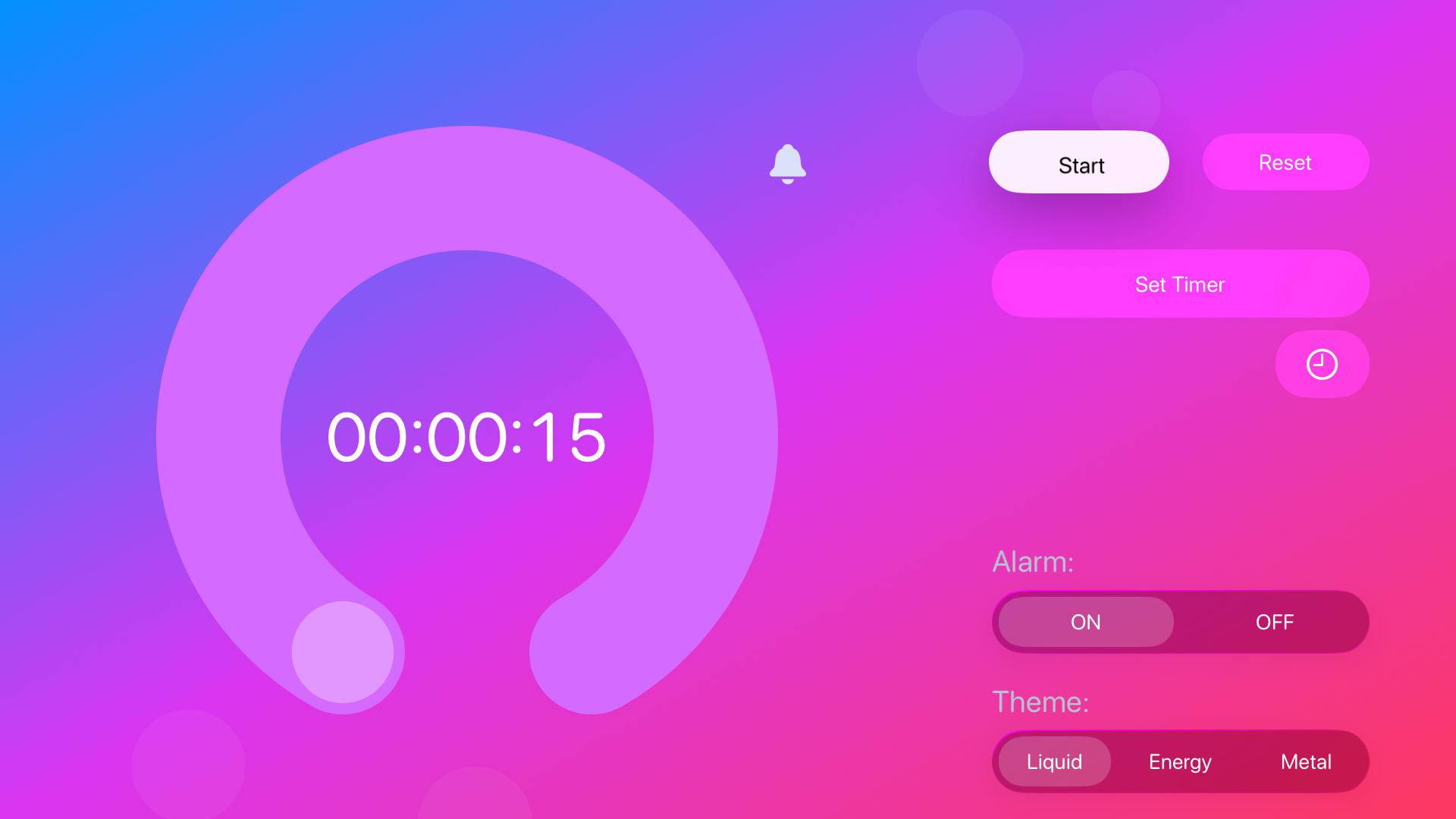
Accurate, no drift
Precision you can trust
The countdown is based on a real end time, ensuring accuracy even during long sessions.
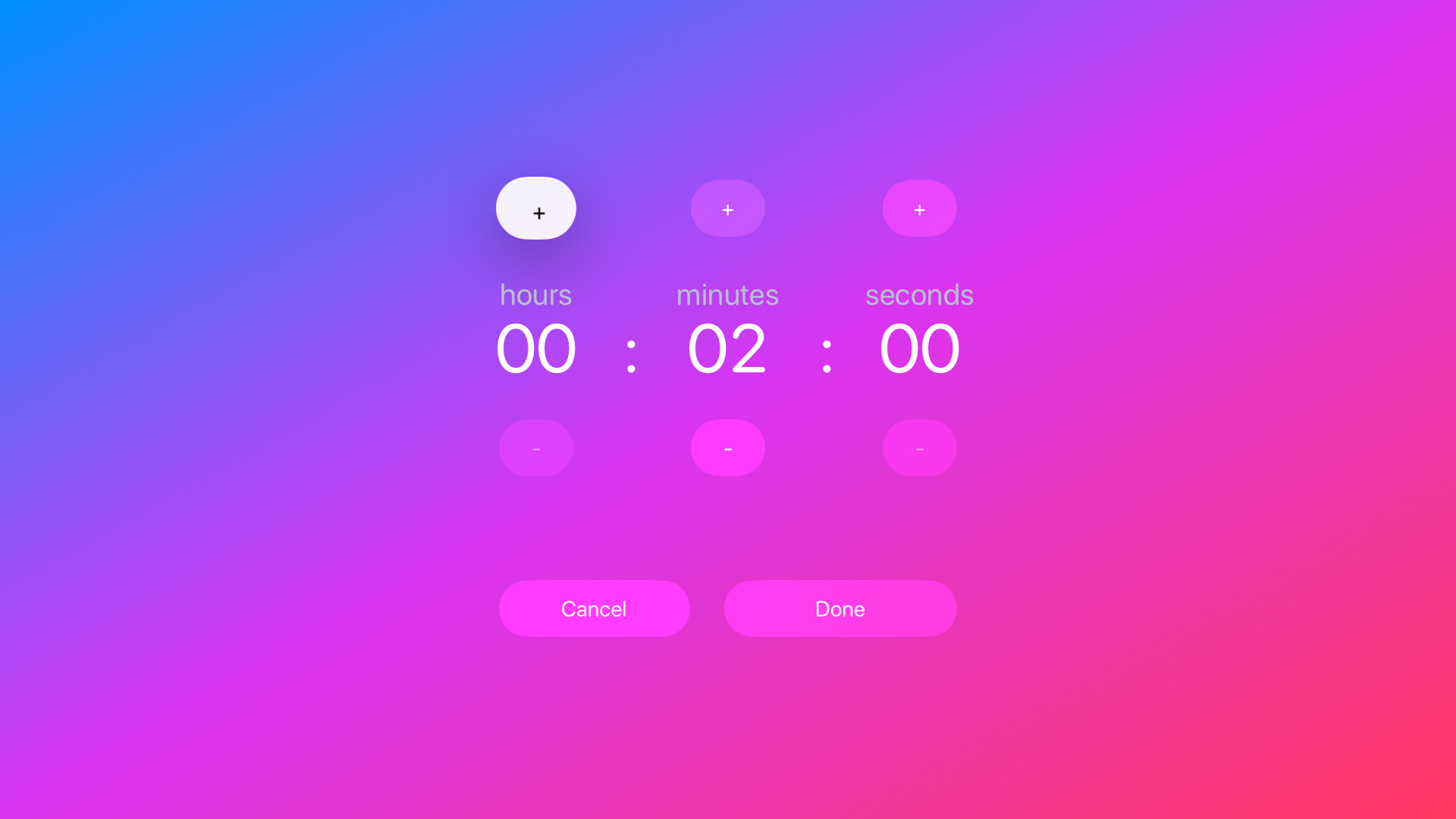
Start instantly
Ready in seconds
Use the Siri Remote to start or pause, set any duration from 1 second to 23 hours and 59 minutes, and optional gentle sound at the end.
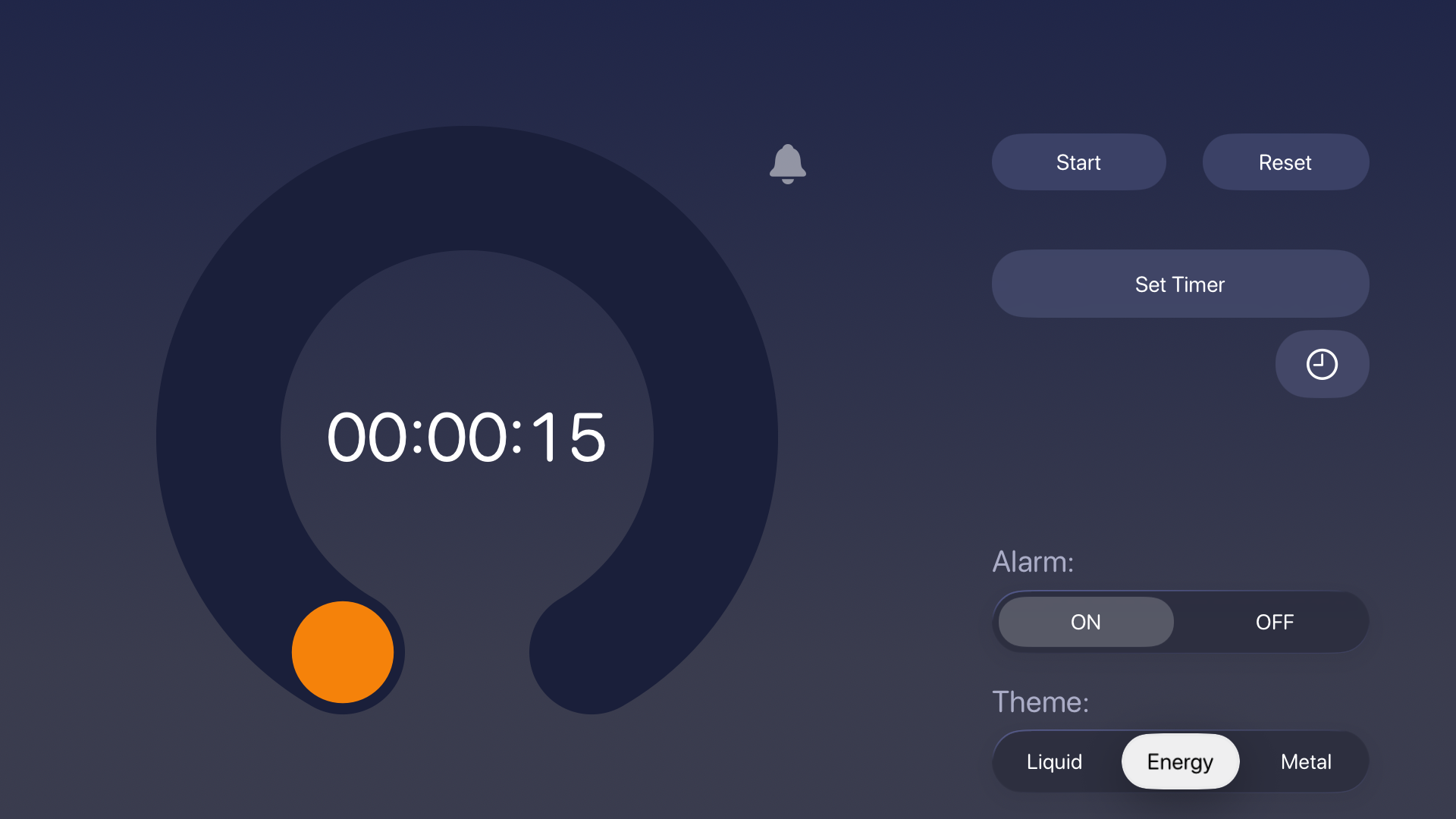
Your most used times, ready
Recents always within reach
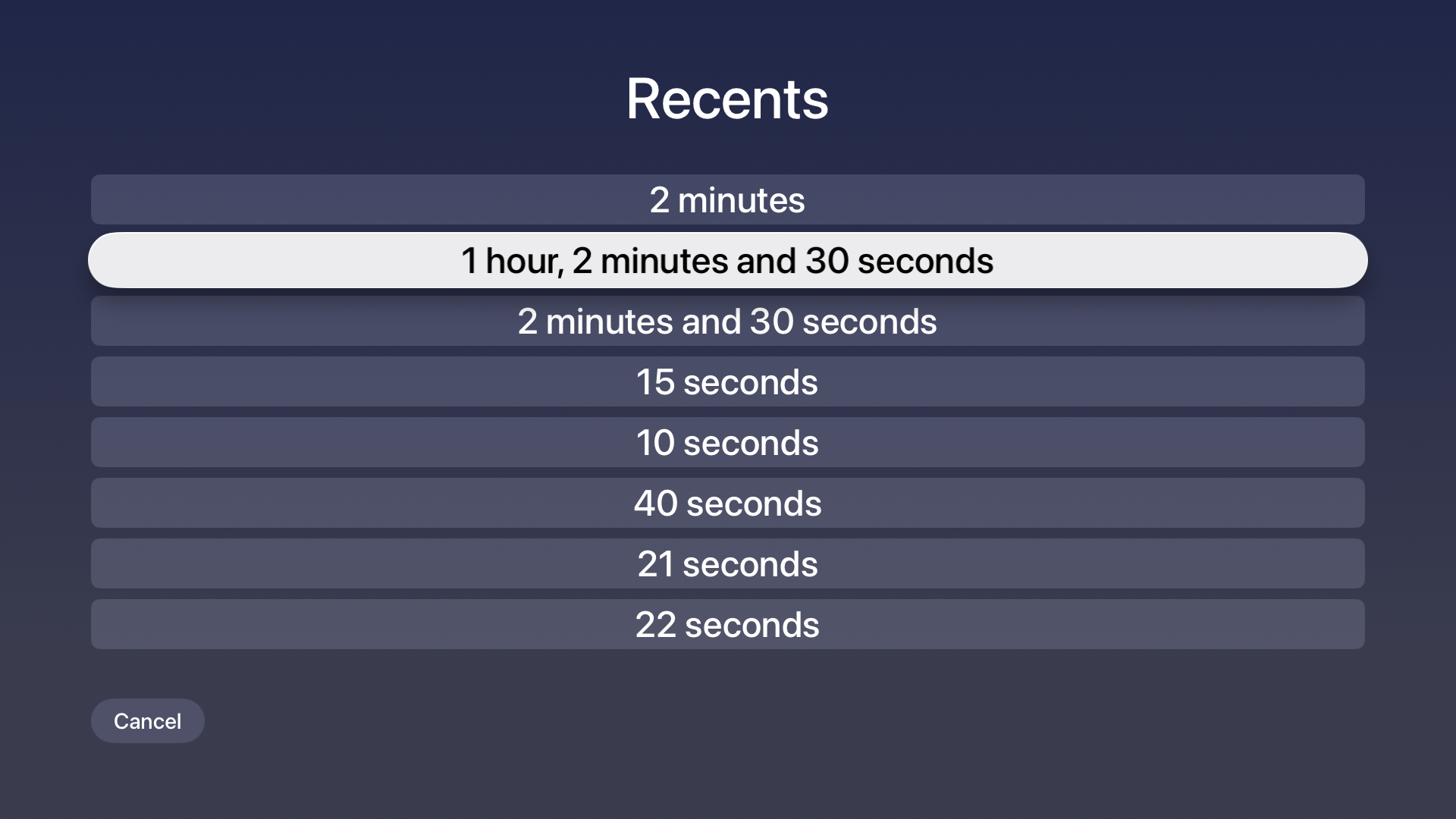
Recent timers are saved automatically, access your last durations in one tap, quickly reuse common timings.
What’s New in Timer TV 26
Easier to use, more precise than ever.
- Pick a recent timer faster.
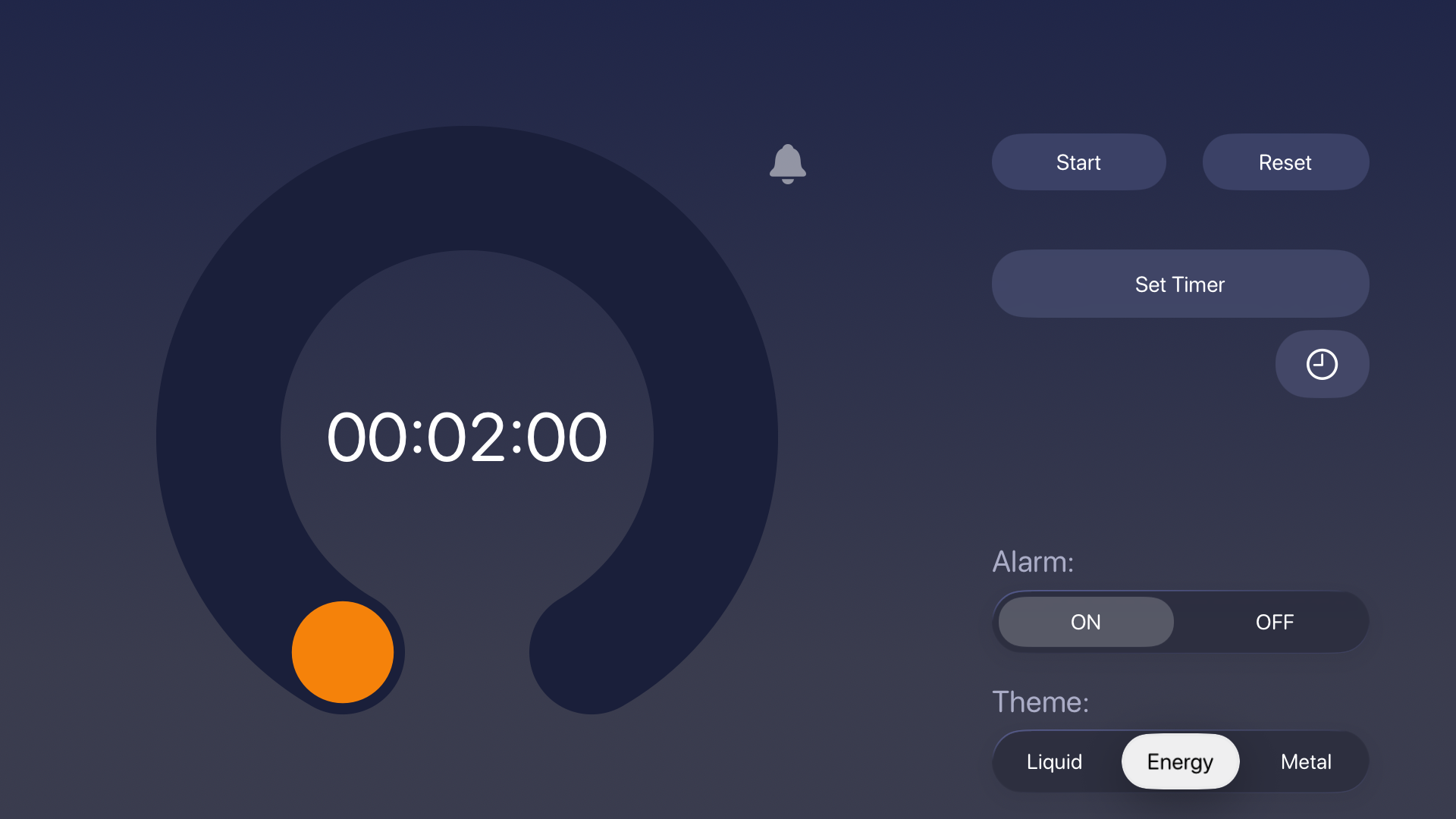
With the clock button under Set Timer, you can open the list of recently used timers (up to 10), with the most recent at the top. Tap one to set that duration, or Cancel to exit without changing anything. - Clearer durations.
In the list, durations are written in a natural way (for example “21 seconds” or “2 hours, 44 minutes and 5 seconds”), not just as numbers. - Recents update automatically.
When a countdown reaches zero, that duration is saved in Recents so you can reuse it right away. - Consistent look across the app.
The Recents screen follows the same visual style as the rest of the app (including Liquid, Energy, and Metal themes), for a consistent experience. - Easier to read from the couch.
Improved contrast and focus in the Recents list make text and the selected row easier to read from a distance. - Clearer countdown arc.
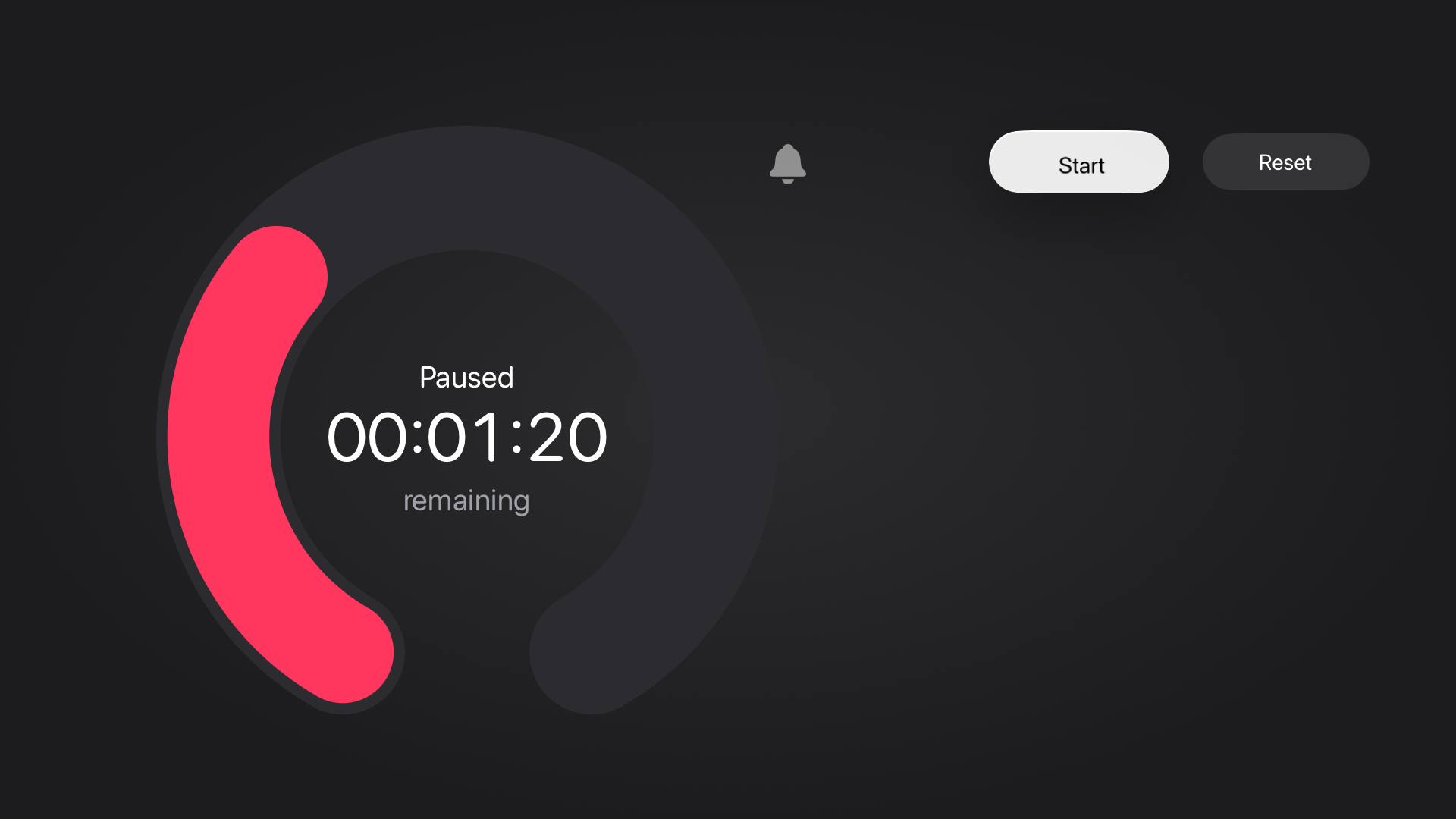
The progress ring is easier to read: you can clearly see how much time is left, with a small marker at the starting point when the timer is stopped. In Metal, the progress color uses the familiar system pink from iPhone and iPad. - More refined Metal background.
A softer, deeper background in subtle gray tones keeps the focus on the time. - More accurate over long periods.
During long countdowns, the displayed time stays closer to real time, without skipping seconds at the end.