Apimac, shareware software for Mac.Apimac Home Page

HomeHome Page
English English
Espanol Español
Italiano Italiano
Deutsch Deutsch
Francais Français
Apimac Store
For a complete list of prices and licenses, and to purchase, please visit Apimac Online Store.

Payment Methods:
Credit Card, PayPal, Wire Transfer, Purchase Order, Cash, Check, Money Order.
You can request a refund within 30 days of the purchase. Refund policy.

Mac Programs
Downloads
Slideshow
Compress Files
Caller ID
Secret Folder
Clean Text
Mac Notepad
Timer
English-Italian
English-German
English-Spanish
Japanese-English
Emoticons
Holidays Emoticons
Apple Videos
Mac News
Mac Links
Support
Support
Support Forums
Download Problems
Registration Codes
Updates
Mac Notepad for Mac OS X
Organize any piece of text you may want to have at hand everyday.

NewVersion '08

Mac Notepad Icon in the Mac OS X's DockMac Notepad is a Mac OS X note pad program in which you can paste and copy any piece of text you may want to have at hand everyday.

Mac Notepad is designed from the ground up to support the latest Apple technologies and provides everything you need to be more productive in your work with your Mac.

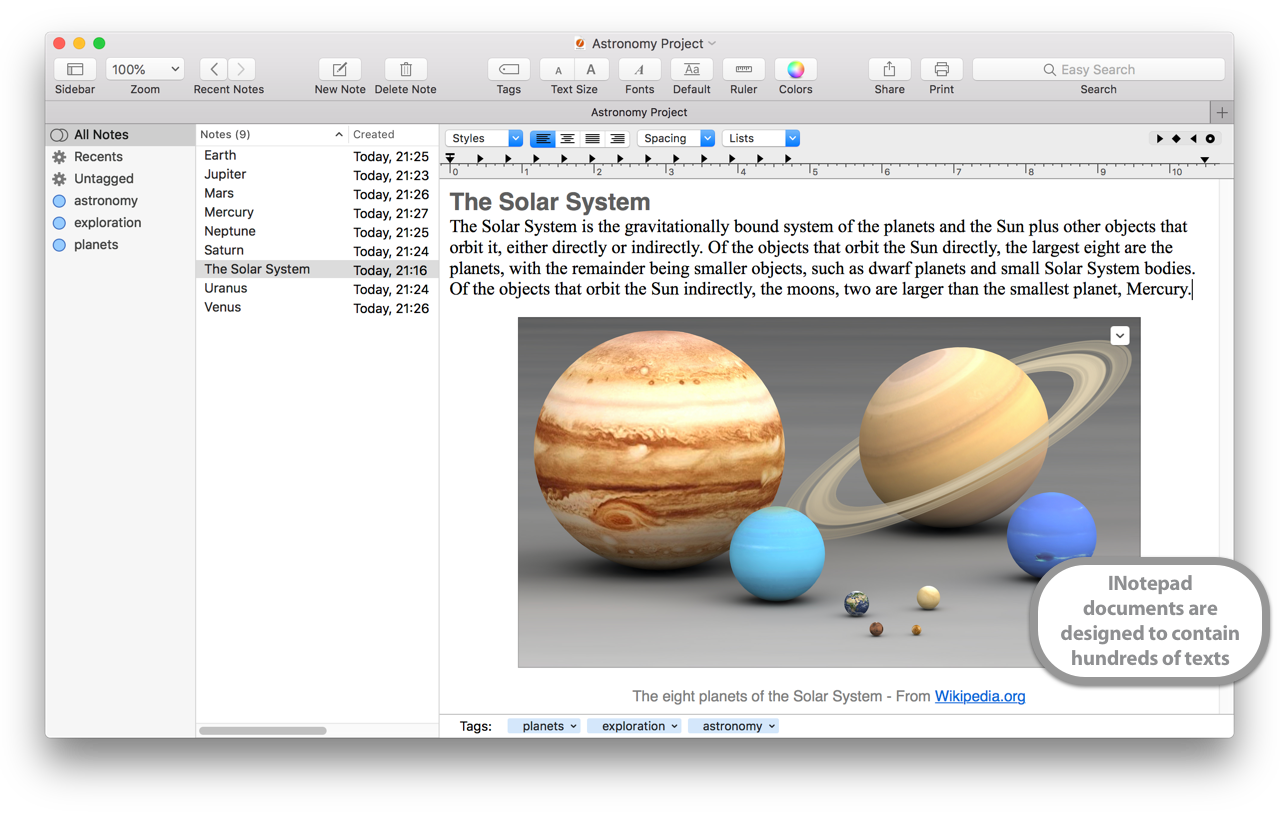
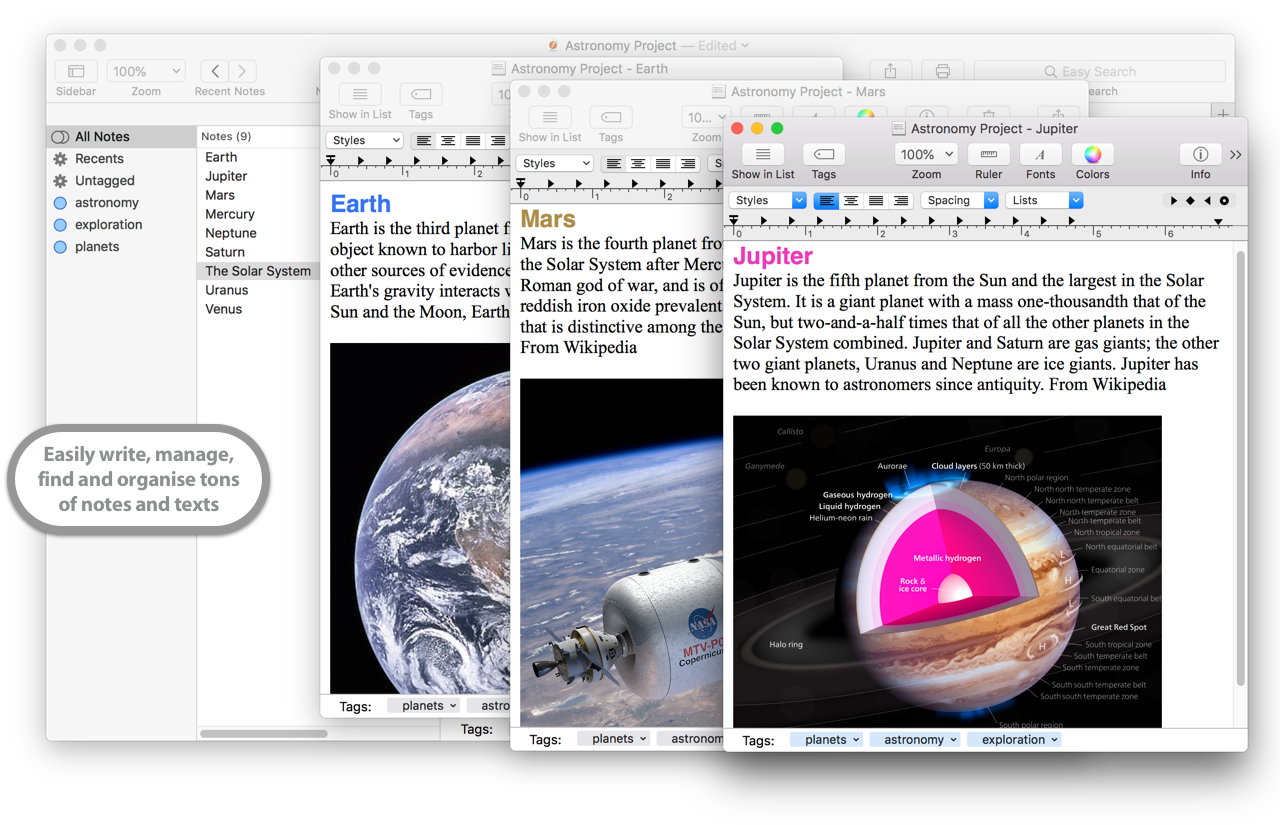
Mac Notepad lets you save and organize any piece of text you may want to have at hand: you can paste it in, drag it from other applications, drop it as a text file from the Finder or, of course, write it yourself.

Mac Notepad Screen Shot

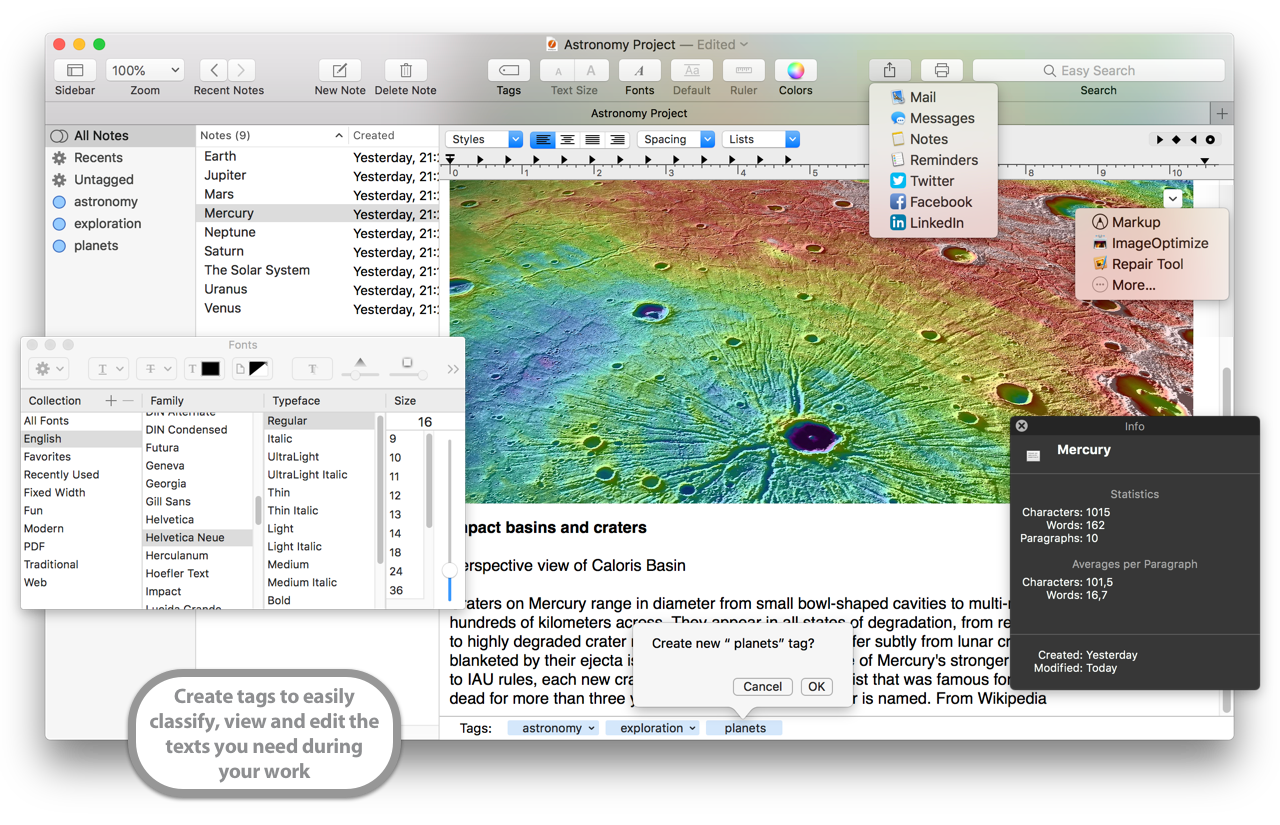
A title and a category can be assigned to each note; notes can be easily retrieved by category via a popup menu, or by content simply typing the text to be found in a search field.

Recents menu
Mac Notepad recents menu
A handy recents menu will furthermore keep track of the last edited notes.

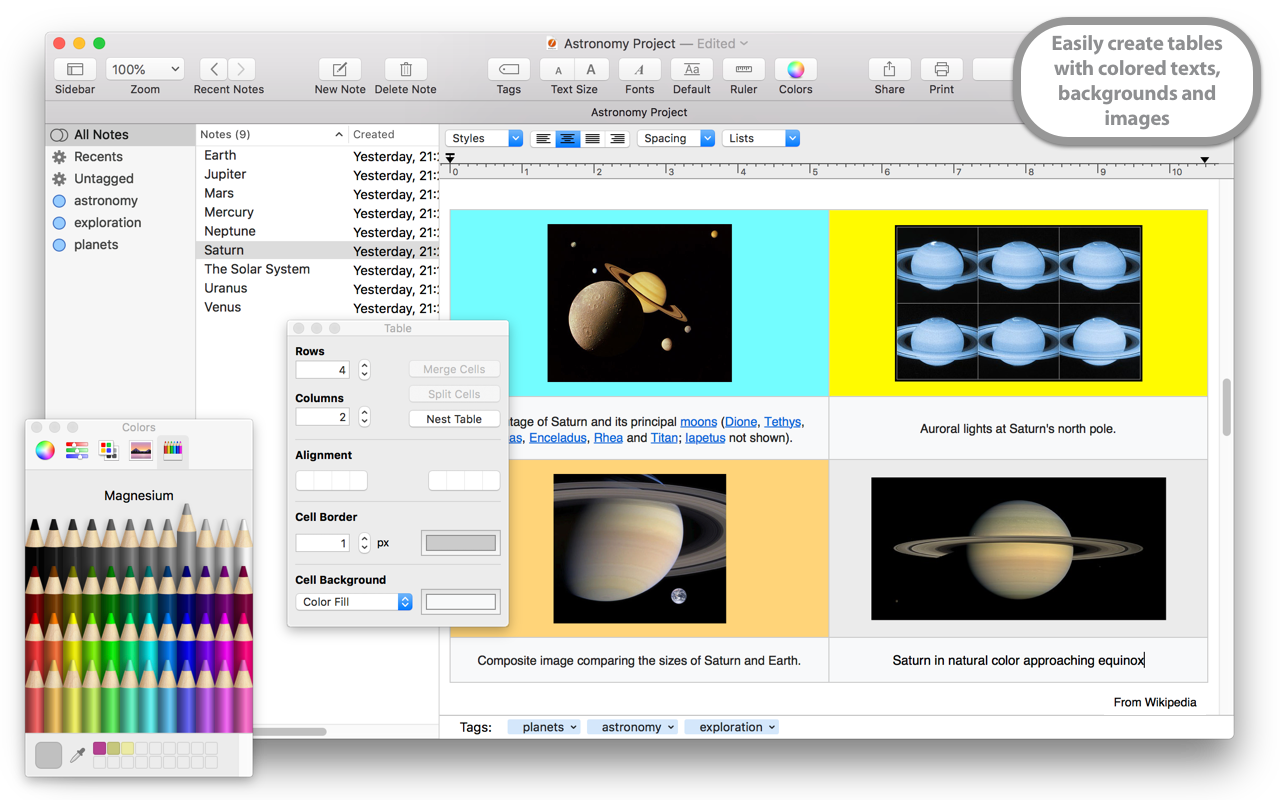
Notes can be edited at will: different fonts, styles and colors are all available for text inside a note and, if you need it on paper, you can print it too.

Iconized window
Mac Notepad sports the brand new Iconize feature, just a click and your note pad becomes a handy and small window that stays on top of all the other windows so you can find it easily and get again it with a click.

Mac Notepad Iconize Window

Protecting with a password
Mac Notepad Password Protect NotesThe Password check button lets you protect your personal notes with a password. If this option is selected, at the opening of Mac Notepad a password dialog box will be displayed. To gain access to the notes it will be necessary to enter the correct password.

Advanced searching
Mac Notepad gives you two search options.

Easy Search: will match any text you entered in the search field even in a not contiguos way, for example "nice girl" will match "Mary is a nice girl" as well as "Berenice is a little girl".

Mac Notepad searching optionsRegular Expression: is an advanced search method based on patterns, for example "nice|girl" will match either "nice try" and "pretty girl". More info on it can be found on many websites such as the dedicated page of the Wikipedia.

New in release 3.0 are:

  • Brand new interface for bringing to hig levels the easy of use of the program.
  • New Iconize Window.
  • Possibility to assign a name to the notes by just clicking on the side bar list.
  • New Password protecting feature.
  • New Align text feature.
  • New Easy Search feature.
  • New Regular Expression advanced search feature.

New in release 4.0 are:

  • Export to iPod Notes.
  • Import from iPod notes.
  • New option to export notes feature: now the application creates a folder for each category of exported notes.
  • Fixed to a bug affecting Styles menu functionality.

New in release 4.3 are:

  • Notes' titles can be 255 characters long.
  • Fixed all reported bugs.

New in release 4.4 are:

  • New Valentina database 3 engine.
  • Minor interface tweaks.

New in release 5.0 are:

  • This release primarily adds support for Mac OS X Leopard.

New in release '08 are:

  • User interface improvements.
  • New Back and Forward button to navigate notes previously visited.
  • New History window to navigate notes previously visited.
  • New live search for the notes.
  • Various code optimizations.
  • Fix for the disappearing cursor when typing and for the crash on forward-delete key combination.
  • Fixed all reported bugs.
  • Leopard optimization.

Mac OS X Logo System Requirements:
Any Macintosh, Power Mac, iBook, PowerBook, eMac, iMac, Mac mini, MacBook, MacBook Pro and Mac Pro running Mac OS X 10.4 or newer.


Mac Notepad Help

Support forums


Awards won by
Apimac programs:


Click on the
images to learn
which program
and version.


Stumble It! Save to del.icio.us Digg It! iusethis


English | Español | Italiano | Deutsch | Français

Apimac, software for Macintosh, Mac OS and Mac OS X. Shareware and freeware applications and programs for Macintosh, iBook, iMac, eMac, Mac mini, PowerBook, MacBook Pro and Power Mac. Apple, Carbon, Finder, FireWire, HyperCard, iBook, iMac, Mac, Macintosh, Mac OS, PowerBook, Power Mac, Power Macintosh, QuickTime, are trademarks of Apple Computer, Inc., registered in the U.S. and other countries. Mac and the Mac logo are trademarks of Apple Computer, Inc., registered in the U.S. and other countries. The Mac Badge is a trademark of Apple Computer, Inc., used with permission. PHP scripts by PHPJunkYard.

Copyright © 1996-2008 Apimac, All Rights Reserved

Hosted by MacPremium