
WriteStudio is crafted for those who write. Create, organize, and refine your pages with clarity and focus. Structure your ideas, add images, and keep everything neatly organized — all in one powerful app for Mac.
💡iNotepad is now WriteStudio

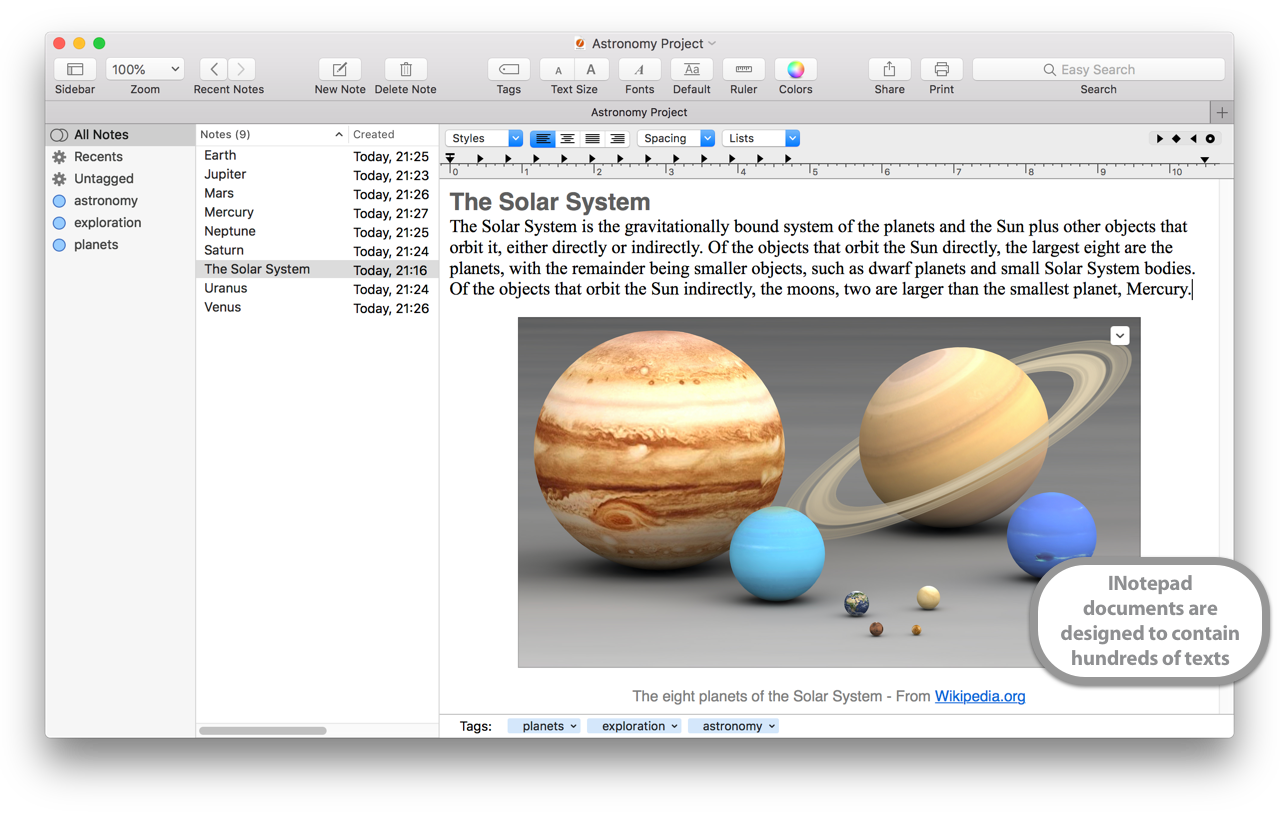
Designed for Mac
Built to support the latest Apple text technologies.
WriteStudio helps you stay focused and get more done. Write and structure your pages with ease, add images, and keep everything organized in one place. Need to edit a page or image? Just double-click to jump right in — even while browsing your content. When it’s time to find something, smart search, tags, and a clear Recents view keep everything within reach.
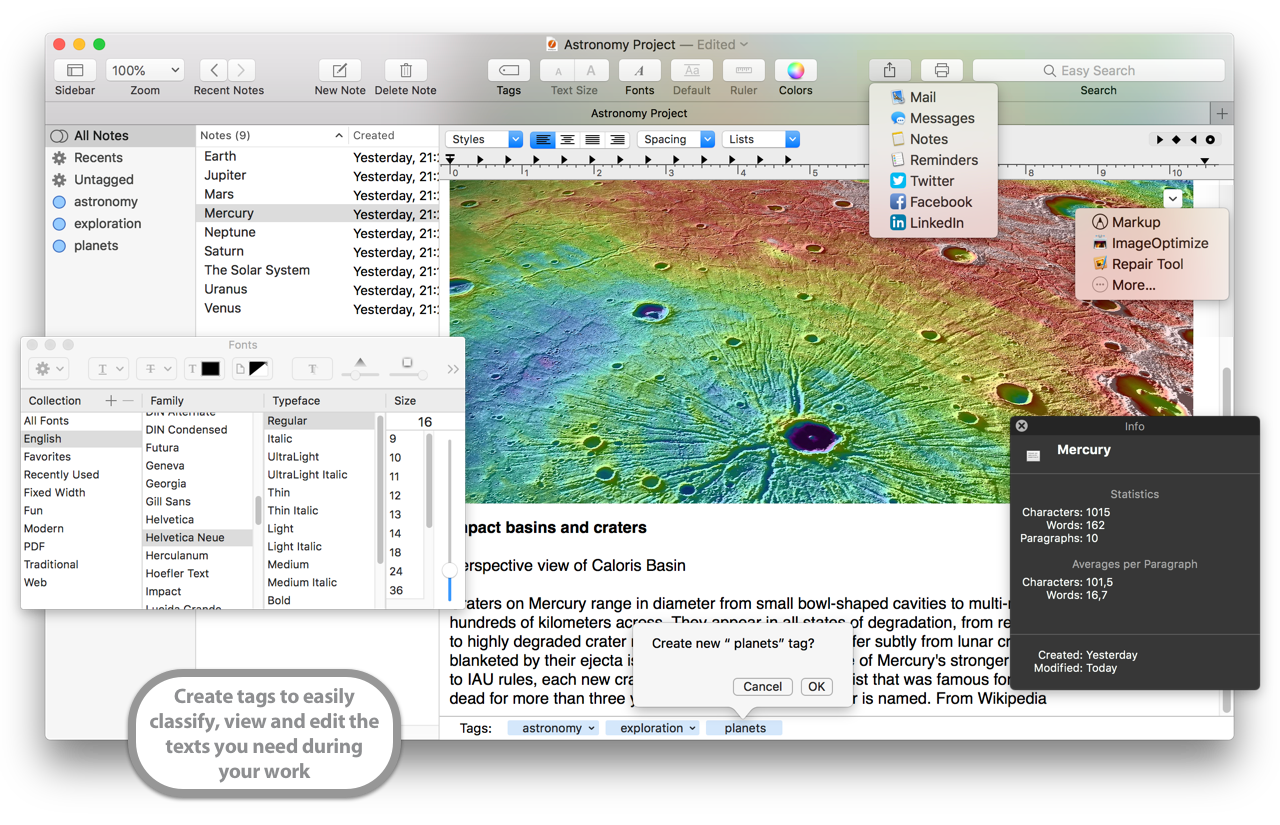
Quickly find what you wrote last year
Every note. Every idea. Right where you left it.
With WriteStudio, you won’t just find your latest page — you’ll find everything you’ve written on a topic, all in one place. Powerful tools like tags, smart search with Regular Expressions, and a seamless Recents view help you instantly locate what you need. Open multiple pages in separate windows and organize your work your way.
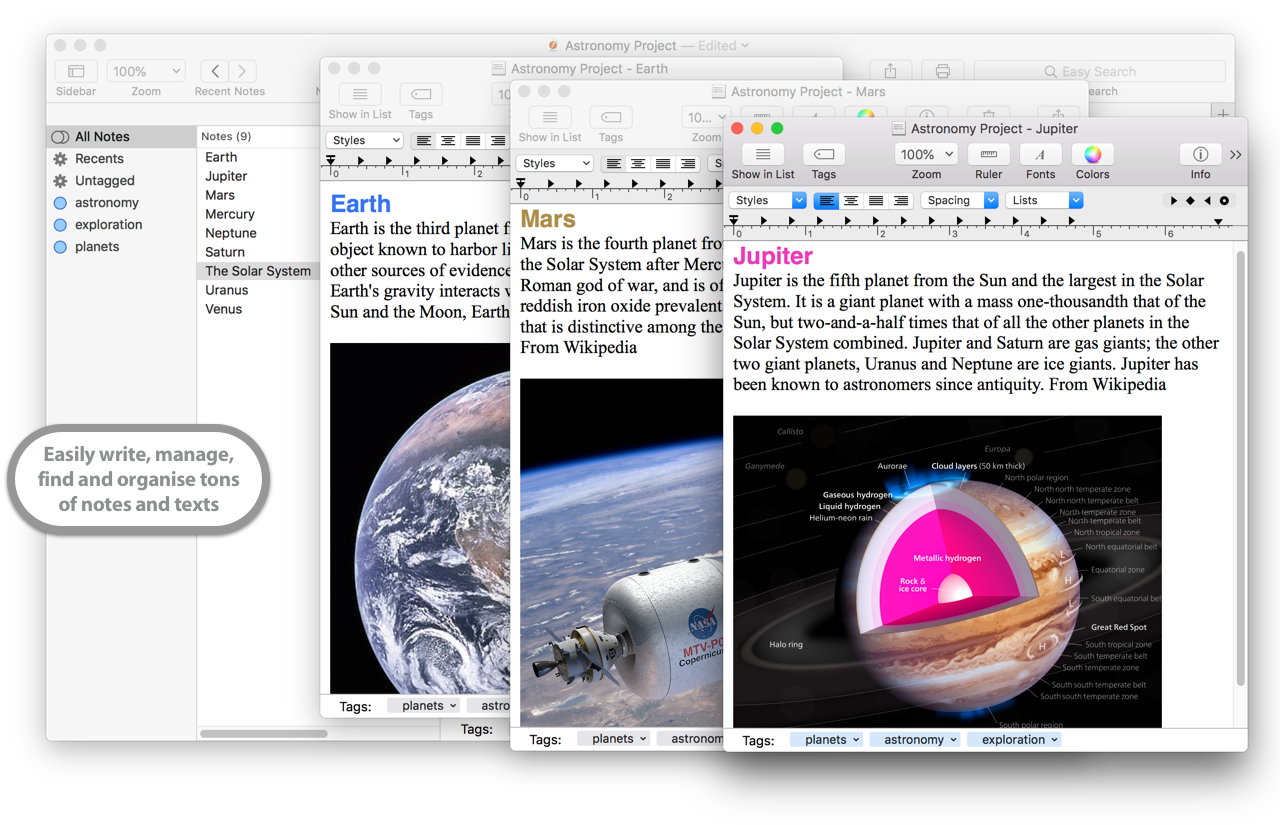
Add images.
Edit instantly.
Need to crop, rotate, or annotate an image you’ve added to your pages? Just double-click to edit it instantly — no need to switch apps. Want to add lines or notes? Use the context menu and make your changes in seconds.
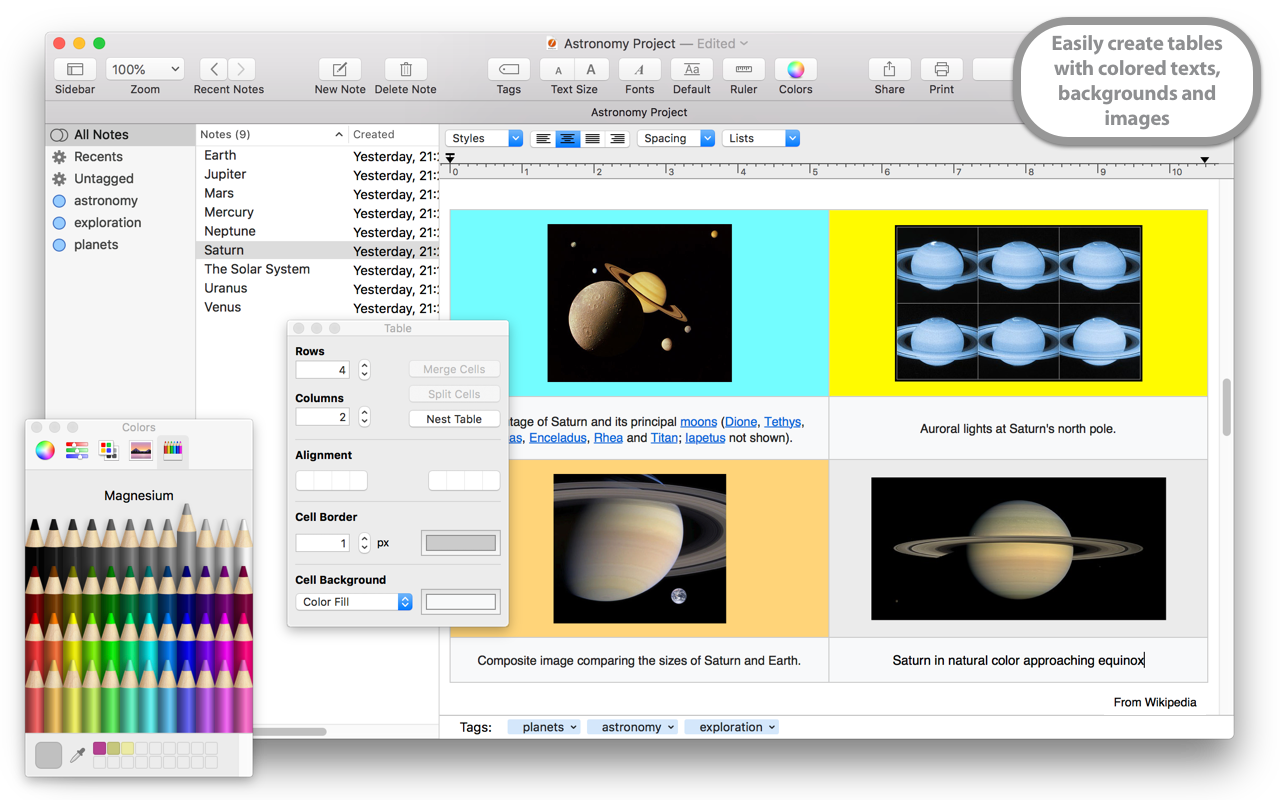
How WriteStudio improves your everyday work
Built to help you write, manage, and organize multiple pages with ease. Here’s what makes WriteStudio stand out:
- WriteStudio supports the latest macOS technologies for writing with formatting and images
- Store hundreds or even thousands of pages in a single document, grouped by topic
- Streamline your workflow with powerful drag and drop from Finder and other apps
- Organize and search through all your pages with smart filters and instant access
- Export pages when needed, in just a few clicks
- Use tags to classify, browse, and organize your content efficiently
- Protect your content with Touch ID
- With iCloud (Mac App Store version only), your documents stay up to date across all your Macs
What They Say About iNotepad

8 Best Notepad for Mac Alternatives of 2025
“iNotepad for Mac is a slicker, more powerful solution which allows you to cut and paste snippets and drag text from other applications into it. It has various other useful features such as a Recents List and the ability to change fonts and text color. You can also protect notes with a password.”
— Nick Mead, MacHow2