
Timer combines stopwatch, countdown timer, and alarm clock in a single professional utility designed specifically for Mac. With its clean and intuitive interface, it’s easy to move between the different modules and set up exactly what you need in just a few clicks. Whether you are studying, working, training, or conducting experiments, Timer adapts to your context and provides you with tools that are both simple to use and powerful in functionality. You can try Timer for free for a limited number of launches to discover all its potential, and then unlock the full version to keep using it without restrictions.

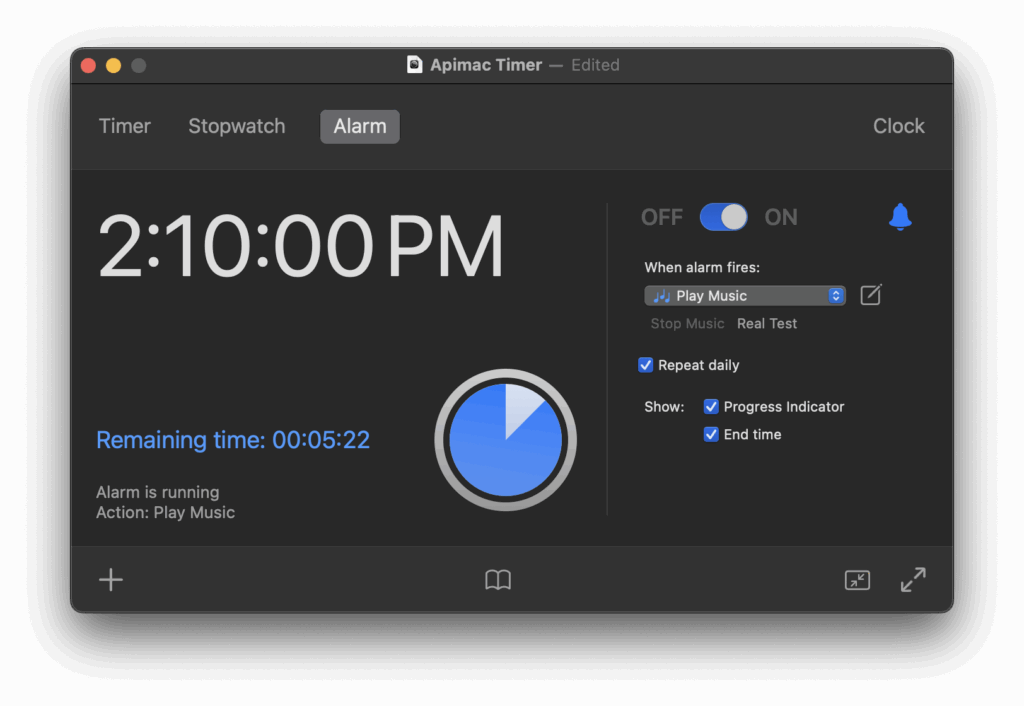
Accurate measurement
When precision really matters, you can rely on Timer.
The stopwatch measures time down to hundredths of a second and supports lap times, so you can capture every fraction of a moment with absolute confidence. Timers can repeat automatically, making it easy to organize study sessions, workout intervals, or recurring activities that require constant timing. Unlike other apps, Timer is immune to changes in the system clock: if you adjust the time manually, change time zones, or switch to daylight saving, your timers and stopwatch will continue to measure real elapsed time without interruption. For those who need consistent and trustworthy results, Timer is a guarantee.
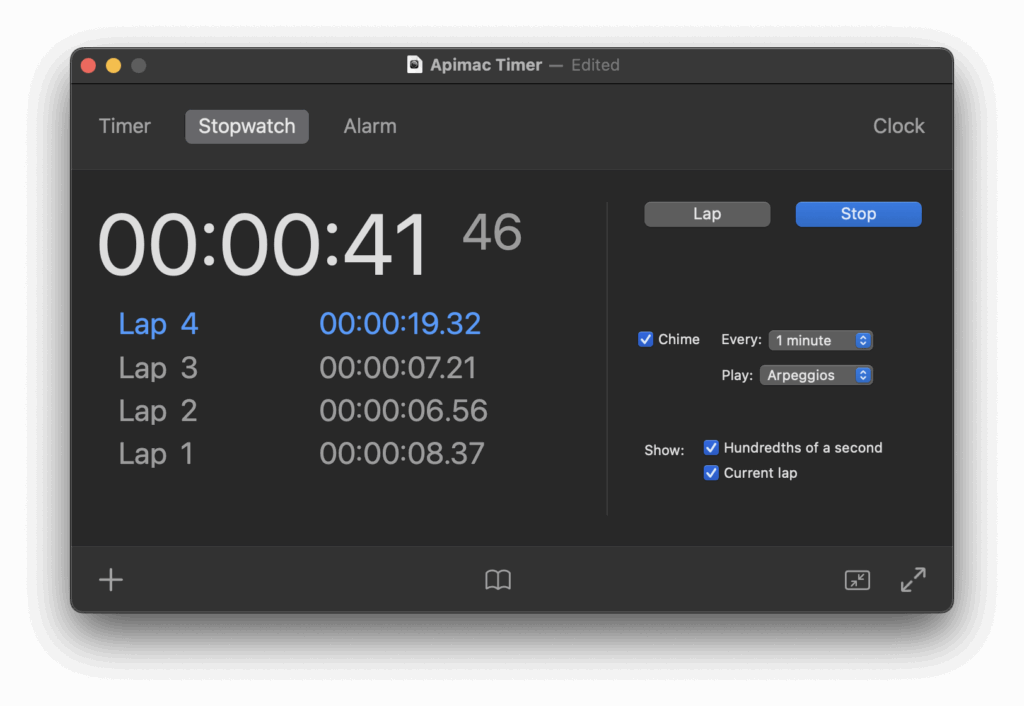
Programmable actions
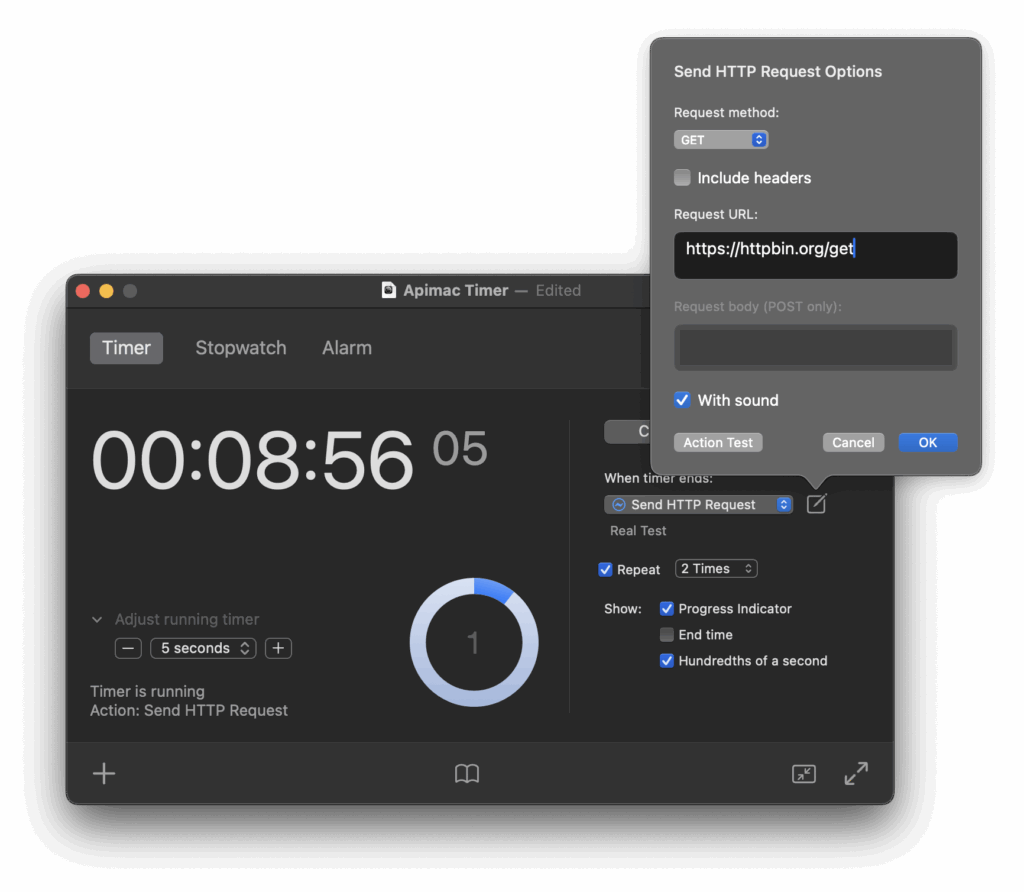
Decide what happens when time runs out.
At the end of a timer or alarm you’re not limited to a single alert: Timer lets you choose from a wide range of actions to fit different needs. You can play music, display or speak a message, announce the current time, open an application or document, launch a web page, send an HTTP request, record the current state of the app, or simply trigger a discreet notification. This makes Timer suitable for professional contexts as well as everyday tasks. And thanks to the built-in safety fallback, if for any reason the chosen action cannot be executed, Timer will always notify you with a clear alert — so you never risk missing an important signal.
Try Timer for free
Explore every feature with no commitment.
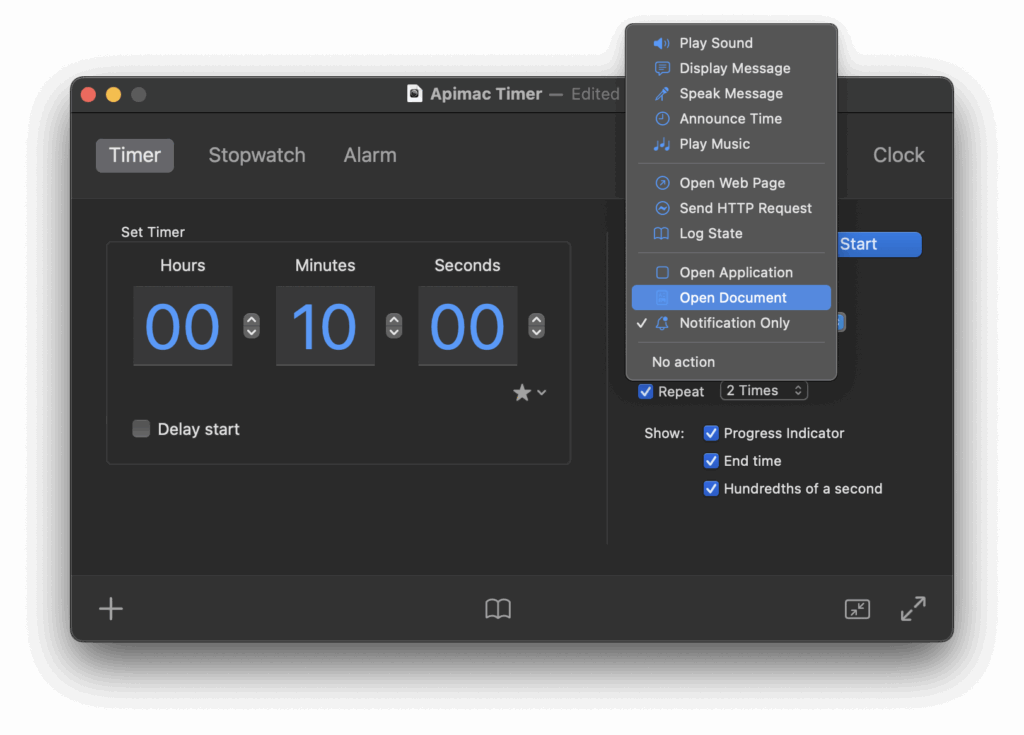
Timer is free to download and gives you the chance to experience all its functions for a limited number of launches. You can test how it adapts to your workflow, explore advanced options such as repeating timers, flexible actions, and clear logging, and verify its reliability in real-world scenarios. Once you’ve tried it and discovered how much easier it makes time management on your Mac, you can unlock the full version and continue using it without any limits.
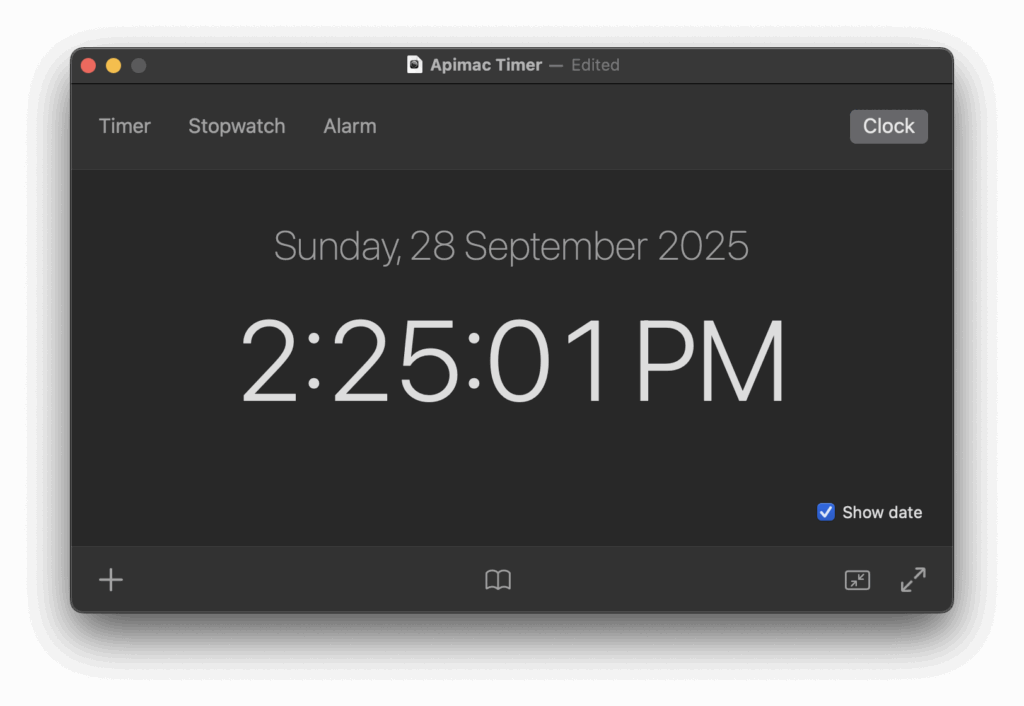
Many reasons to use Timer
Simple to start, powerful when you need it.
Timer is designed to be immediately usable by anyone, yet it offers all the advanced functions professionals expect. Here are some of the highlights that make it stand out:
-
Stopwatch, alarm clock, and countdown timer all in one app.
-
Clean and intuitive interface, easy to set up and manage.
-
Hundredth-of-a-second precision with lap times.
-
Repeating timers for recurring sessions and tasks.
-
Flexible end-of-time actions: play music, show or speak a message, announce the time, open apps or documents, launch web pages, send HTTP requests, or trigger a simple notification.
-
Full-screen mode for maximum visibility and iconized windows to keep the desktop tidy.
-
Run multiple timers in parallel.
-
Favorites and suggested menu to instantly start your most-used intervals.
-
Clear logging system to keep a reliable record of your sessions.
-
Professional localization and multilingual support, ready to use from the first launch.
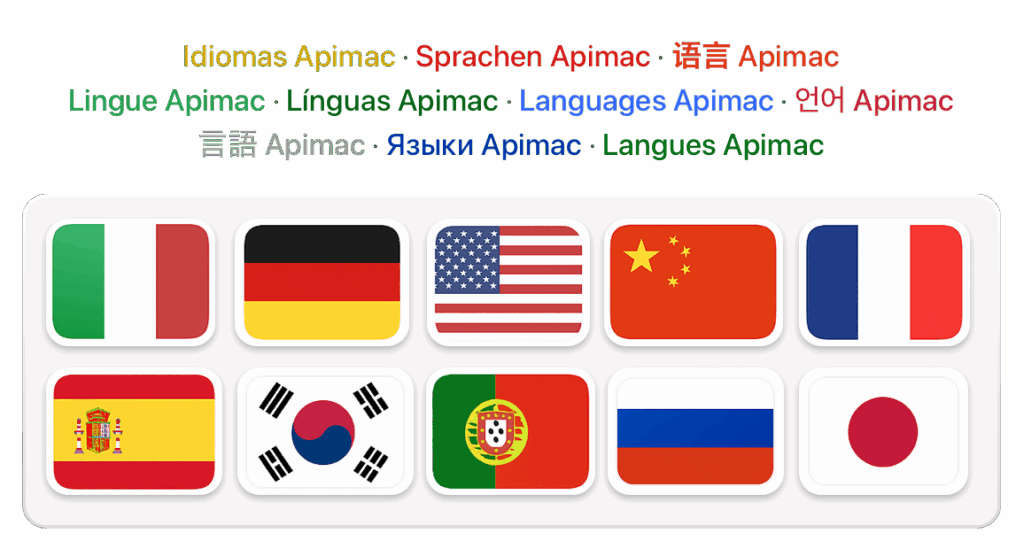
Timer for Mac speaks your language.
Always ready, no configuration required.
From the very first launch, Timer adapts to you. It automatically follows the language set on your Mac and is available in many languages — including English, German, Spanish, French, Italian, Japanese, Korean, Portuguese, Russian, and Simplified Chinese. This means you don’t need to configure anything: Timer is immediately ready to use, in your own language, with clear terminology and professional localization. Combined with its elegant and intuitive interface, this makes Timer feel natural and accessible, wherever you are in the world.
What They Say About Apimac Timer

Apimac Timer 26 launches: designed for the new macOS 26 Tahoe
“The new version deeply renews one of the most well-known and long-standing apps in the Mac ecosystem, while preserving what has always set it apart: precision, clarity, and reliability.”
— ItaliaMac — the leading Italian Mac community.
Timer 26: the professional and versatile stopwatch updated for macOS 26 Tahoe
“Timer 26 refines its interface, improves automation features, and stays true to its professional spirit with hundredth-second precision. It remains a reliable tool for advanced time-tracking needs — from work sessions and experiments to presentations and interval training.”
— Mac4Ever — the leading French Apple news site